BASIC FUNCTIONS
E-11
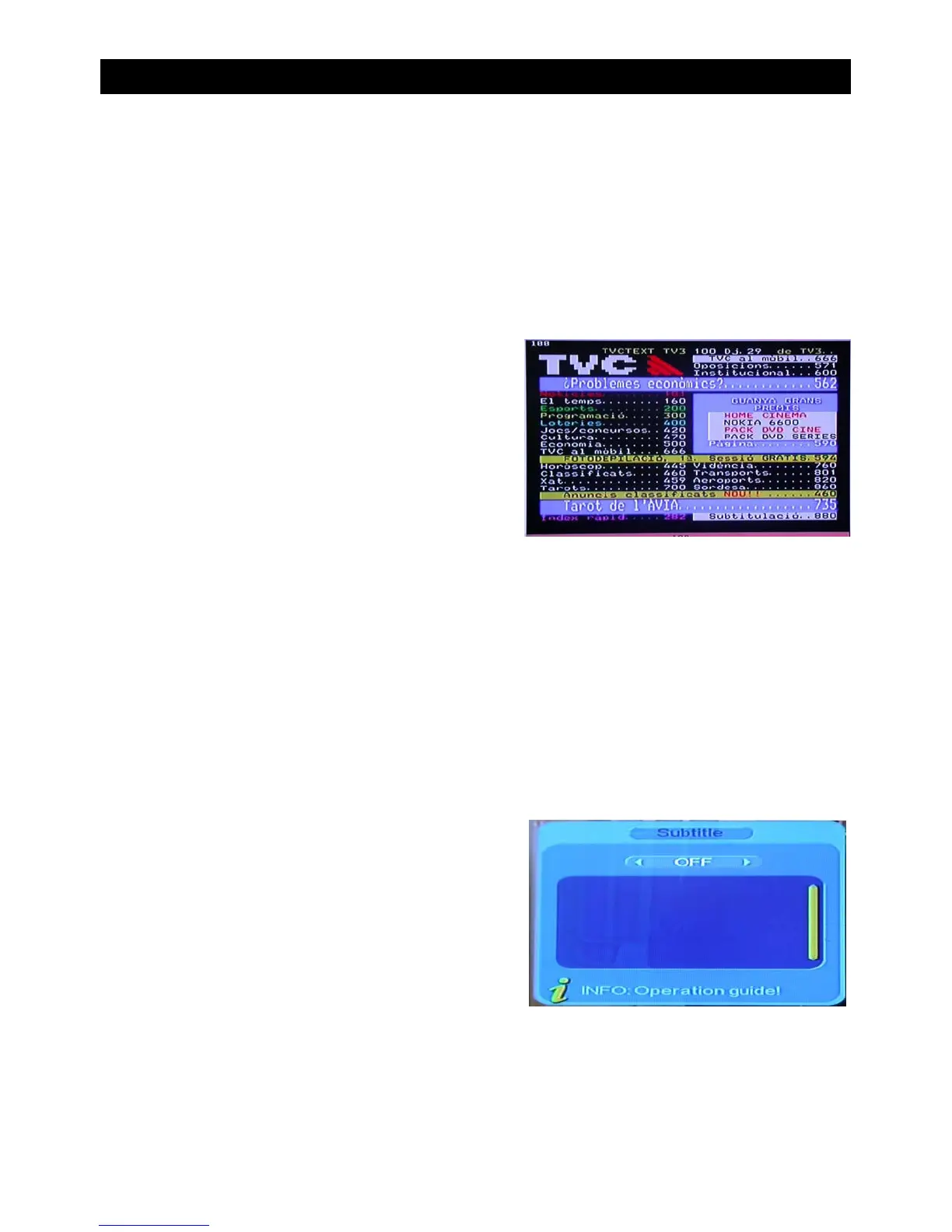
Teletext
• Press “TEXT” on the remote to enter into the teletext page.
• Input three digits using the keypad to be directed to the corresponding page.
• Press “CH-” to go to the previous page. Press “CH+” to go to the next page.
• Press “VOL-” to go back 100 pages. Press “VOL+” to go forward 100 pages.
• Press “EXIT” to exit from the teletext screen.
Subtitle
• Subtitle is defaulted to be off. To see the caption information press the “SUBTITLE” key
on the remote control to enter the subtitle menu of the current program.
• Press VOL+/VOL- to key to choose to open subtitle.


 To Next Page