II
Face
Priority
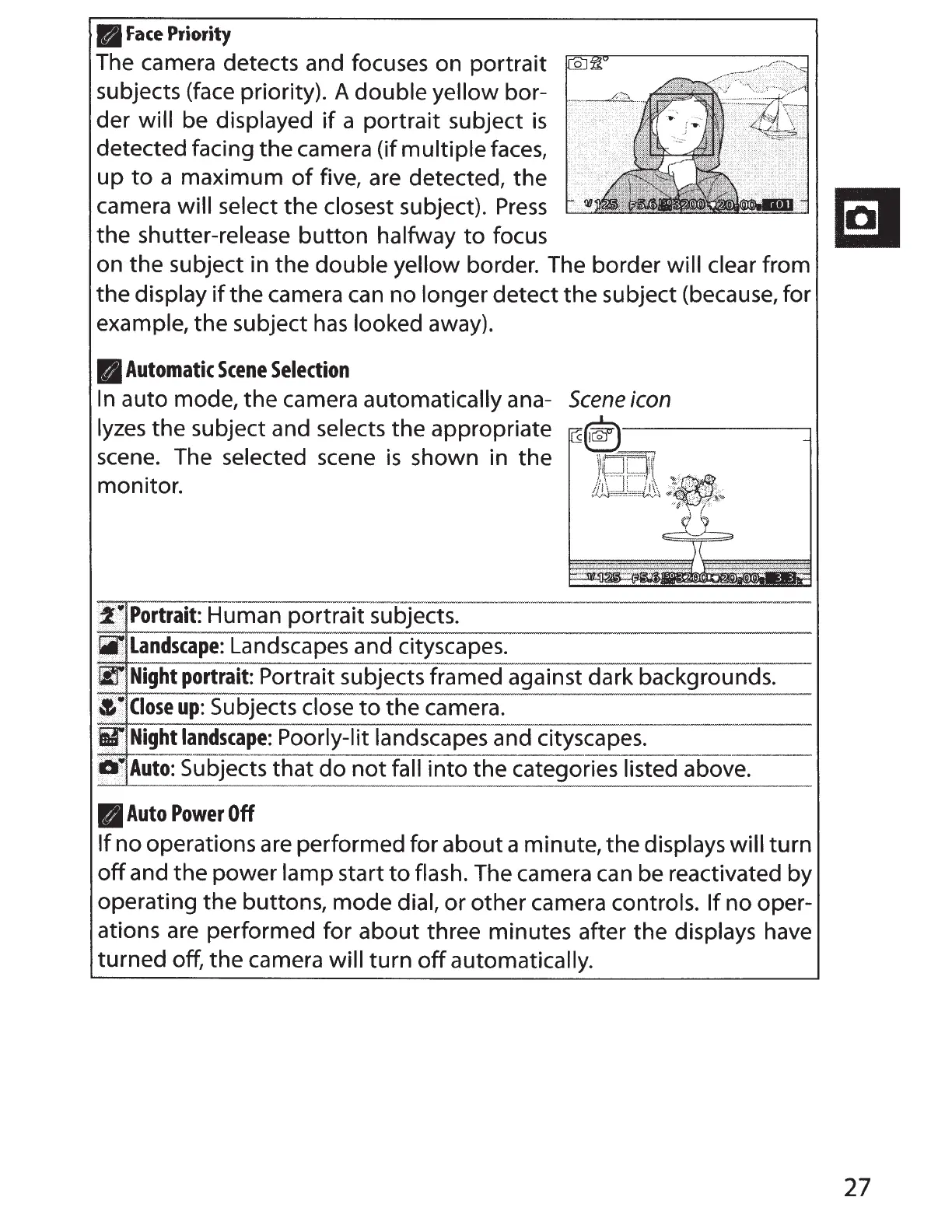
The camera detects and focuses on portrait
subjects (face priority). A
double yellow
bor-
der
will
be
displayed
if
a portrait subject
is
detected facing the camera (if
multiple
faces,
up
to
a maximum
of
five, are detected, the
camera
will select
the
closest
subject).
Press
IQI
the shutter-release
button
halfway
to
focus
l:i:l
on the subject in the double yellow border. The border
will clear
from
the
display
if
the camera
can
no
longer detect the subject (because, for
example,
the subject
has
looked
away).
rl
Automatic
Scene
Selection
In
auto mode, the camera
automatically
ana-
lyzes
the subject and
selects
the appropriate
scene. The selected scene
is
shown in the
monitor.
~
··
~
.
Portrait:
Human portrait subjects .
. lji
Landscape:
Landscapes and cityscapes.
Scene
icon
~
lir
Night
portrait:
Portrait subjects framed against dark backgrounds.
·
··
~Close
up:
Subjects
close
to
the camera.
ii{
.
Night
landscape:
Poorly-lit landscapes
and cityscapes.
jl)
Auto:
Subjects-that
do
not
faifTiito the categories
listed above.
B
Auto
Power
Off
If
no operations are performed for about a minute,
the
displays will
turn
off
and the power
lamp start
to
flash.
The camera
can
be reactivated by
operating the buttons, mode
dial,
or
other camera controls.
If
no oper-
ations
are
performed for about three minutes after the displays
have
turned off, the camera will
turn
off
automatically.
27



 To Next Page