S
Shutter-Priority
Auto
~=:::-;.:::~-~-~~=:n:~
=:=:=:=:=:=?t::::::=~==::
:
:::~:::~::n:'~~
==
=~:e.
=
~~~
=
=
~==~~=~==~==~=:::
=~-:::::::::::::::.:1::!.~':i::f.~:=:~\~::::::~:=:=:=·=?.:m::~~:::~:~=~~:;;::;~:::::
:~~=~=::::::=~=t::::::m
:=
:
::::
:
~=::::::~~
=
::o-~
---
·
·
·
··=t~======~=:t;:::~:-==:::::::::::::::::::-:::::::~,::~:::·::::::::::::::::::t:::::~~m
= :
::~=:::::~
==~====~=
'!-
:':::
=
:
=
:=~=~
=
=~
=
=~
= =
:::=~=
/'===
~:?:~::===~~:)_::::::):::::~=::@~:~:::::)_::::=~~==:::::t:~~~==~;::~:~=;
~:::=~.:::
=
~:=:::::
=
;;;=:n::::&::::::::::-::.:;::::~=
=~==
=~=::::-?::tt:t::H
:~::::~::::
..
~
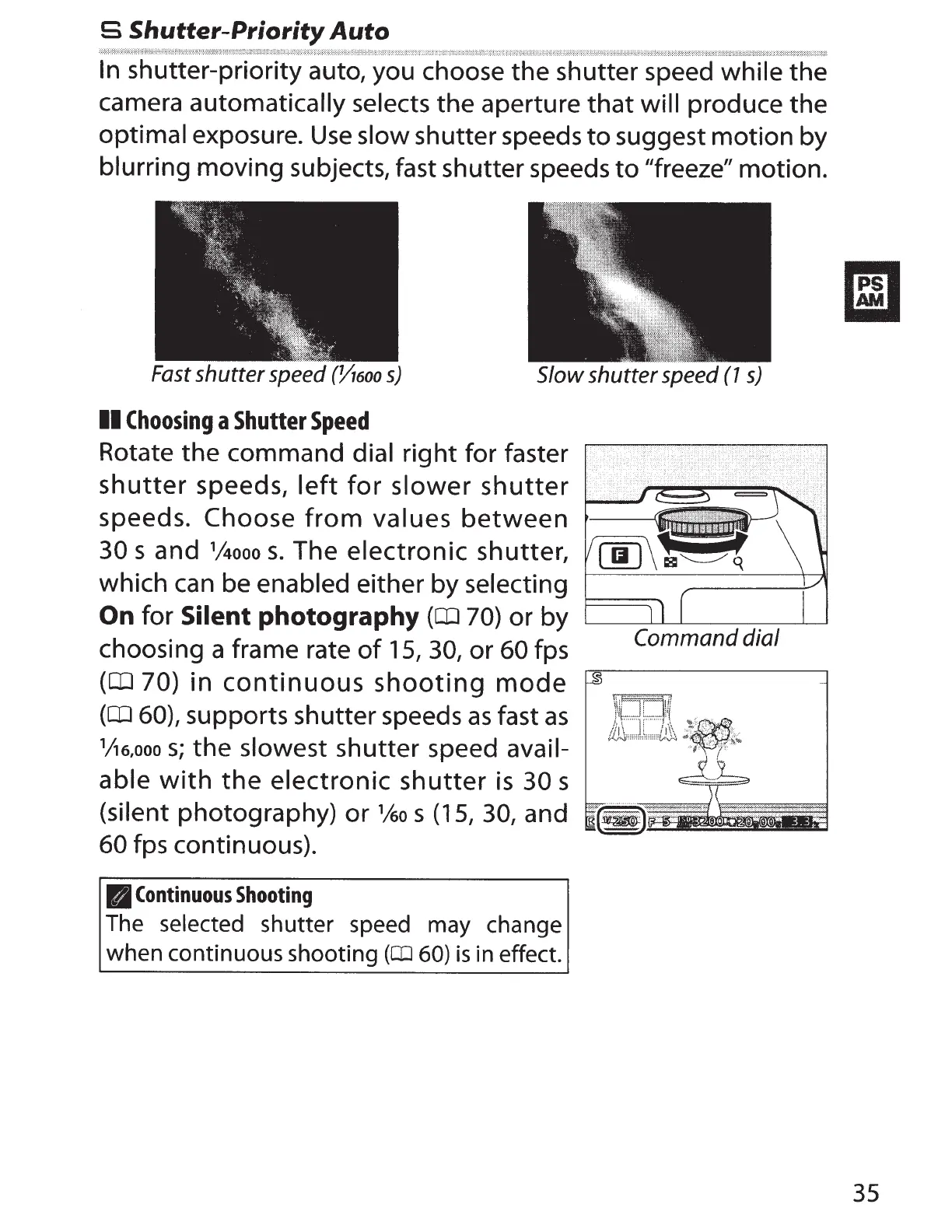
In
shutter-priority auto, you choose
the
shutter speed while
the
camera
automatically selects
the
aperture
that
will
produce the
optimal exposure.
Use
slow shutter speeds
to
suggest
motion
by
blurring moving subjects, fast shutter speeds
to
"freeze" motion.
Fast
shutter
speed
(Yl6oo
s)
Slow shutter
speed
(1
s)
II
Choosing
a
Shutter
Speed
Rotate
the
command dial
right
for faster
shutter
speeds,
left
for
slower
shutter
speeds.
Choose
from
values
between
30
sand
1
/4ooo
s.
The
electronic
shutter,
1--'--'
which can be enabled either
by
selecting
1---_:.__
__
_:____-+-AI
0
n
for
Silent photography
(CD
7
0)
or by
L______J___I__L_----:--::-------=--___.L___J
Command dial
choosing a frame rate
of
15,
30,
or
60
fps
(CD
70) in
continuous
shooting
mode
(CD
60),
supports shutter speeds
as
fast
as
1
/!6,ooo
s;
the
slowest shutter speed avail-
able
with
the
electronic
shutter
is
30
s
(silent photography)
or
1
ko
s
(15,
30, and
60
fps continuous).
rJ
Continuous
Shooting
The
selected shutter speed may change
when continuous shooting
(OJ
60)
is
in effect.
35



 To Next Page