36
A
Aperture-Priority Auto
In
aperture-priority auto, you choose
the
aperture
while
the
camera
automatically selects
the shutter speed that
will produce
the
optimal
exposure. Large
apertures
(low
f-numbers)
reduce
depth
of
field, blurring
objects behind and in front
of
the main
subject.
Small
apertures (high f-numbers) increase
depth
of
field,
bringing
out
details
in
the
background and foreground.
Short field
depths
are
generally used in portraits
to
blur
back-
ground
details, long field
depths in landscape
photographs
to
bring the foreground and background into focus.
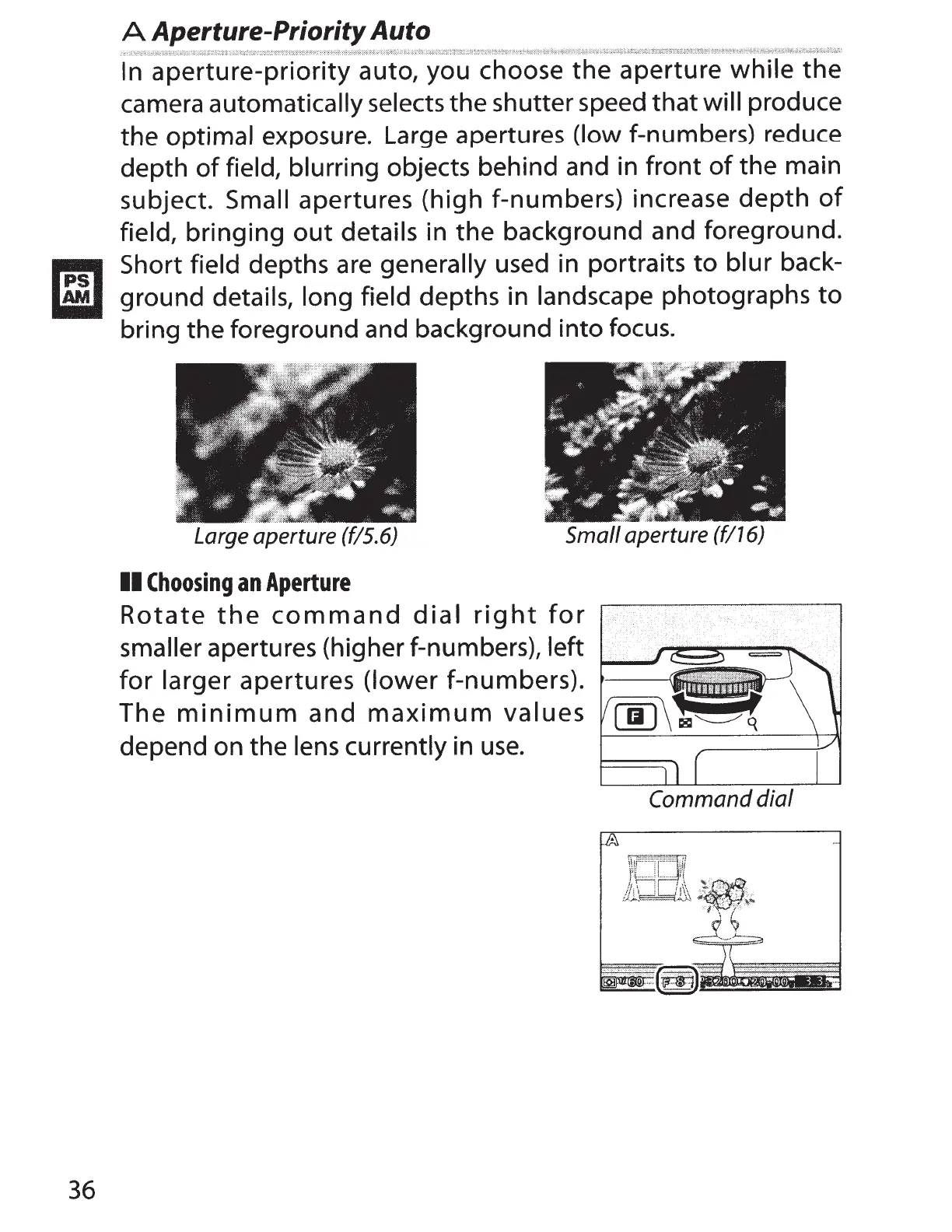
Large aperture (f/5.6)
Small aperture (f/16)
II
Choosing
an
Aperture
Rotate
the
command
dial
right
for
smaller
apertures (higher f-numbers),
left
for
larger
apertures
(lower
f-numbers).
The
minimum
and
maximum
values
depend on the
lens currently
in
use.
Command
dial



 To Next Page