EasyManua.ls Logo

Nikon 1 v2 - Page 46

Nikon 1 v2
349 pages
Print Icon
To Next Page IconTo Next Page
To Previous Page IconTo Previous Page
Loading...
44
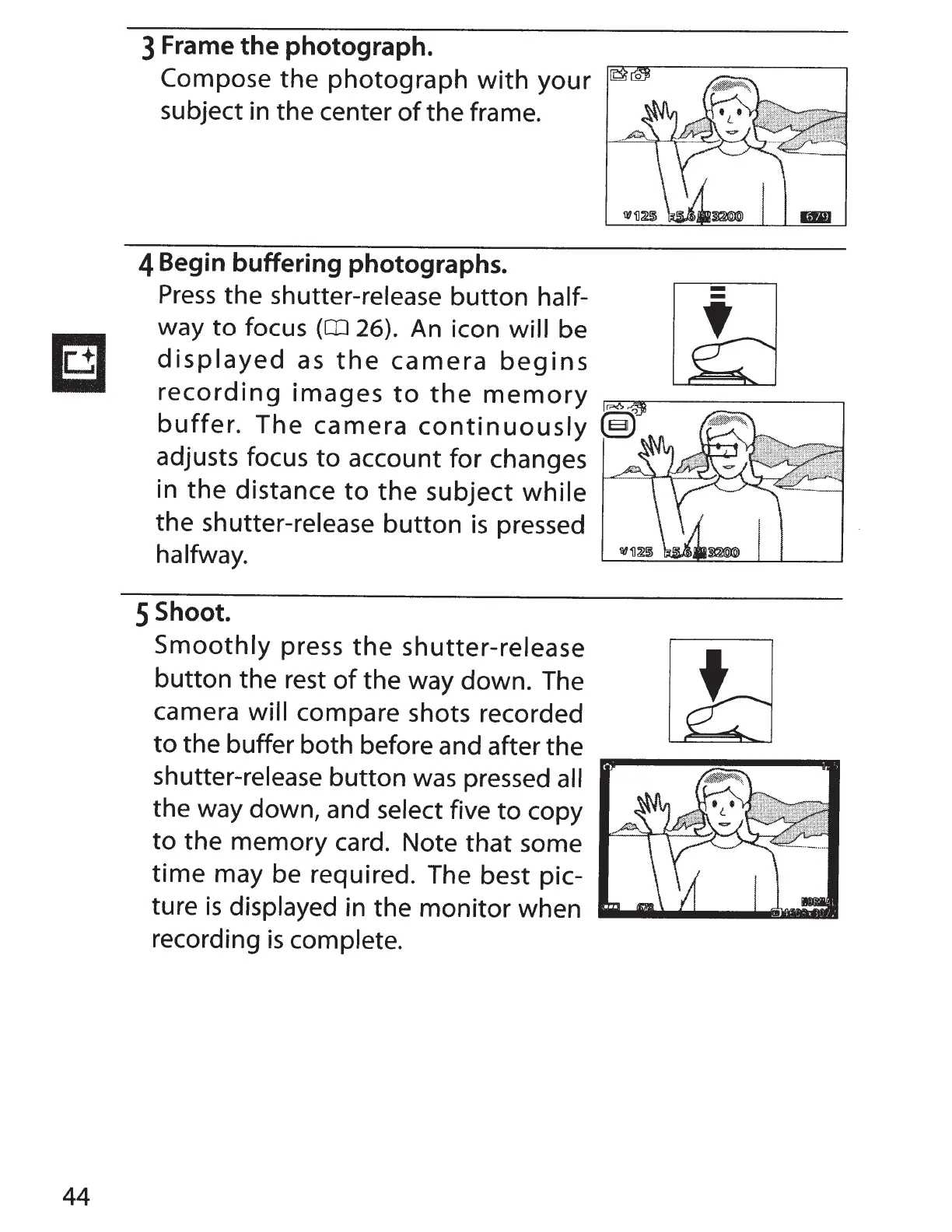
3 Frame the photograph.
Compose
the
photograph
with
your
subject in the center
of
the
frame.
4
Begin buffering photographs.
Press
the
shutter-release
button
half-
way
to
focus
(OJ
26). An icon
will
be
displayed
as
the
camera
begins
recording
images
to
the
memory
r:::::A""""1.....----------,
buffer.
The
camera
continuously
adjusts focus
to
account
for
changes
in
the
distance
to
the
subject
while
the
shutter-release
button
is
pressed
halfway.
5
Shoot.
Smoothly
press
the
shutter-release
button
the rest
of
the way down. The
camera
will
compare shots recorded
to
the buffer
both
before and after the
shutter-release
button
was pressed all
the way down, and
select
five
to
copy
to
the
memory
card. Note
that
some
time
may be required. The best pic-
ture
is
displayed
in
the
monitor
when
recording
is
complete.

Table of Contents