56
Motion
Snapshot
Mode
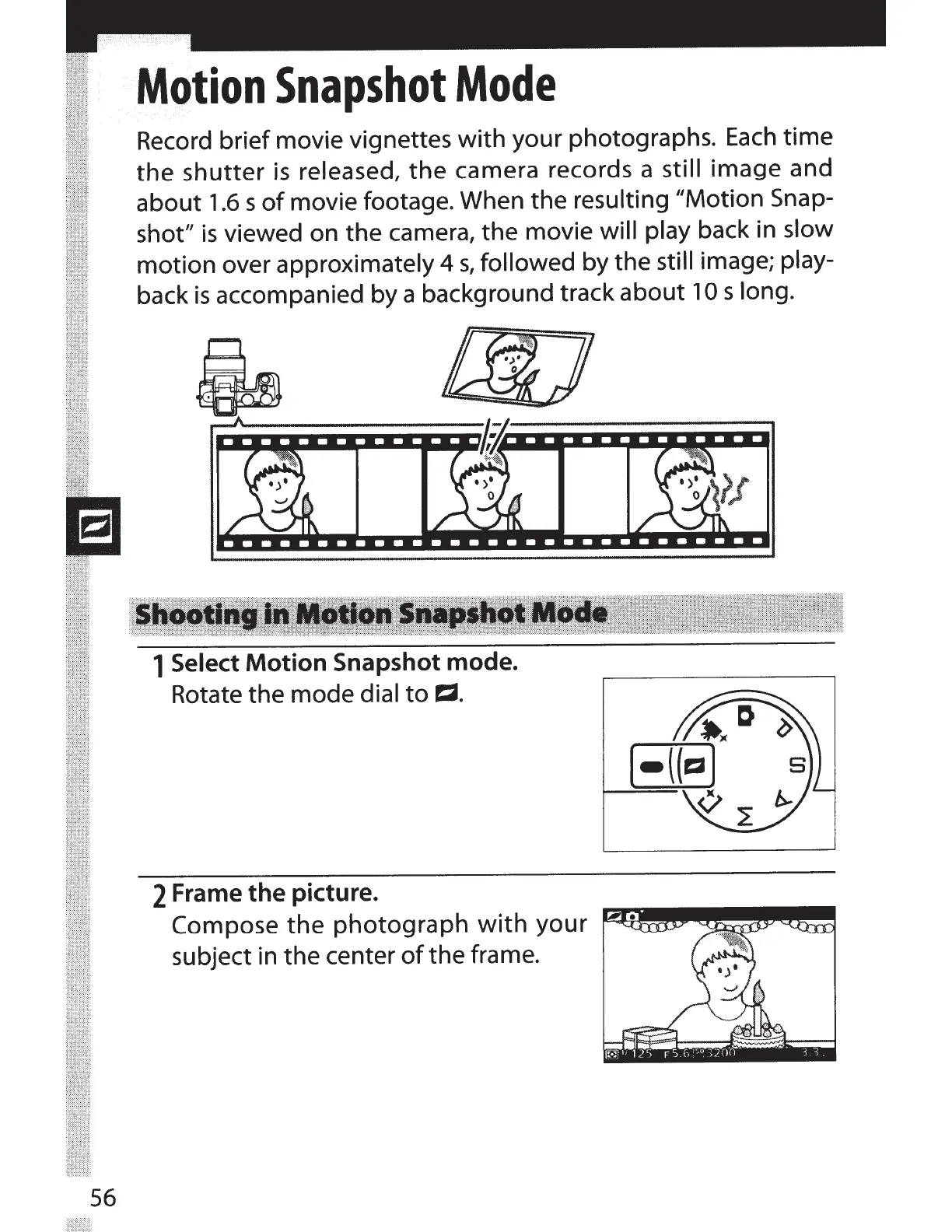
Record brief movie vignettes
with
your photographs.
Each
time
the
shutter
is
released,
the
camera records a still image and
about
1.6
s
of
movie footage. When the
resulting //Motion Snap-
shot"
is
viewed on the camera, the movie
will play
back in slow
motion over approximately
4
s,
followed
by the still image;
play-
back
is
accompanied by a background track about
10
s
long.
1
Select Motion Snapshot mode.
Rotate the mode
dial
to
E:2.
2
Frame the picture.
Compose
the
photograph
with
your
~---~~~~~~~~-~
subject in the center
of
the frame.



 To Next Page