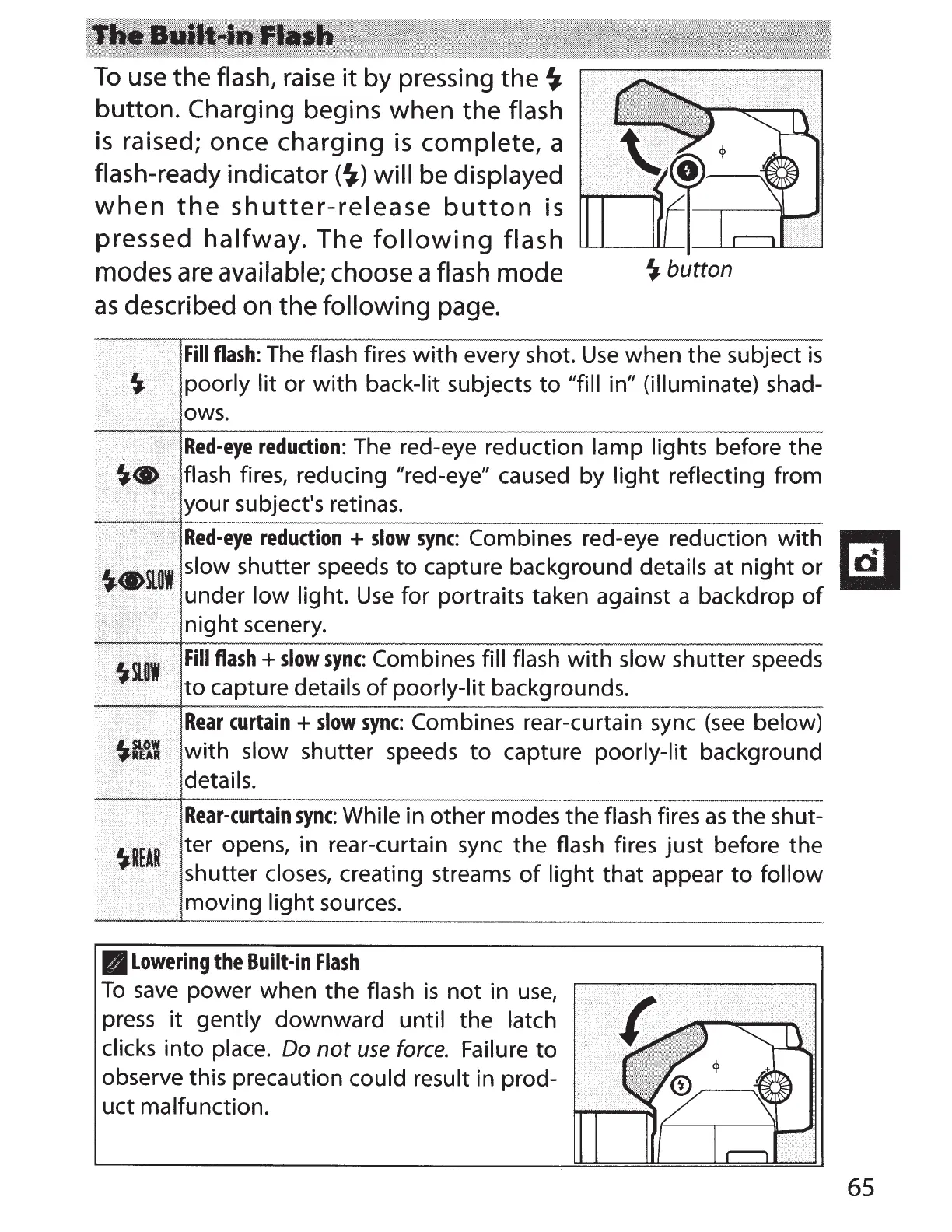
To
use
the
flash,
raise
it
by pressing
the~
button.
Charging
begins when the
flash
is
raised; once charging
is
complete,
a
flash-ready
indicator(~)
will
be
displayed
when
the
shutter-release
button
is
pressed
halfway.
The
following
flash
modes
are
available;
choose a
flash mode
as
described on the following page.
~button
Fill
flash:
The
flash
fires
with
every shot.
Use
when the subject
is
<'\
S,
.i
>
I
poorly lit
or
with
back-lit
subjects
to
"fill
in"
(illuminate)
shad-
Red-eye
reduction:
The red-eye reduction
lamp lights
before the
~w•
·····.········
·
···
j
flash
fires, reducing "red-eye" caused by
light
reflecting
from
your subject's retinas.
Red-eye
reduction
+
slow
sync:
Combines red-eye reduction
with
8
,.:
..
. .
.•.....
~slow
shutter speeds
to
capture background
details
at
night
or
....
under
low
light.
Use
for portraits taken against a backdrop
of
night
scenery.
Fill
flash+
slow
sync:
Combines
fill flash
with
slow shutter speeds
to
capture
details
of
poorly-lit backgrounds.
i•>·
···
>,
Rear
curtain
+slow
sync:
Combines rear-curtain sync
(see
below)
..........
'
with
slow
shutter speeds
to
capture
poorly-lit
background
details.
Rear-curtain
sync:
While
in other modes the flash
fires
as
the shut-
ter opens, in rear-curtain sync
the
flash fires just before the
shutter
closes,
creating streams
of
light
that appear
to
follow
moving
light
sources.
II
Lowering
the
Built-in
Flash
To
save
power when the flash
is
not
in
use,
press
it
gently
downward
until the
latch
clicks
into
place.
Do
not
use
force.
Failure
to
observe this precaution could result
in prod-
uct malfunction.
65



 To Next Page