EasyManua.ls Logo

Nikon 1 v2 - Page 71

Nikon 1 v2
349 pages
Print Icon
To Next Page IconTo Next Page
To Previous Page IconTo Previous Page
Loading...
II
Using
the
Menus
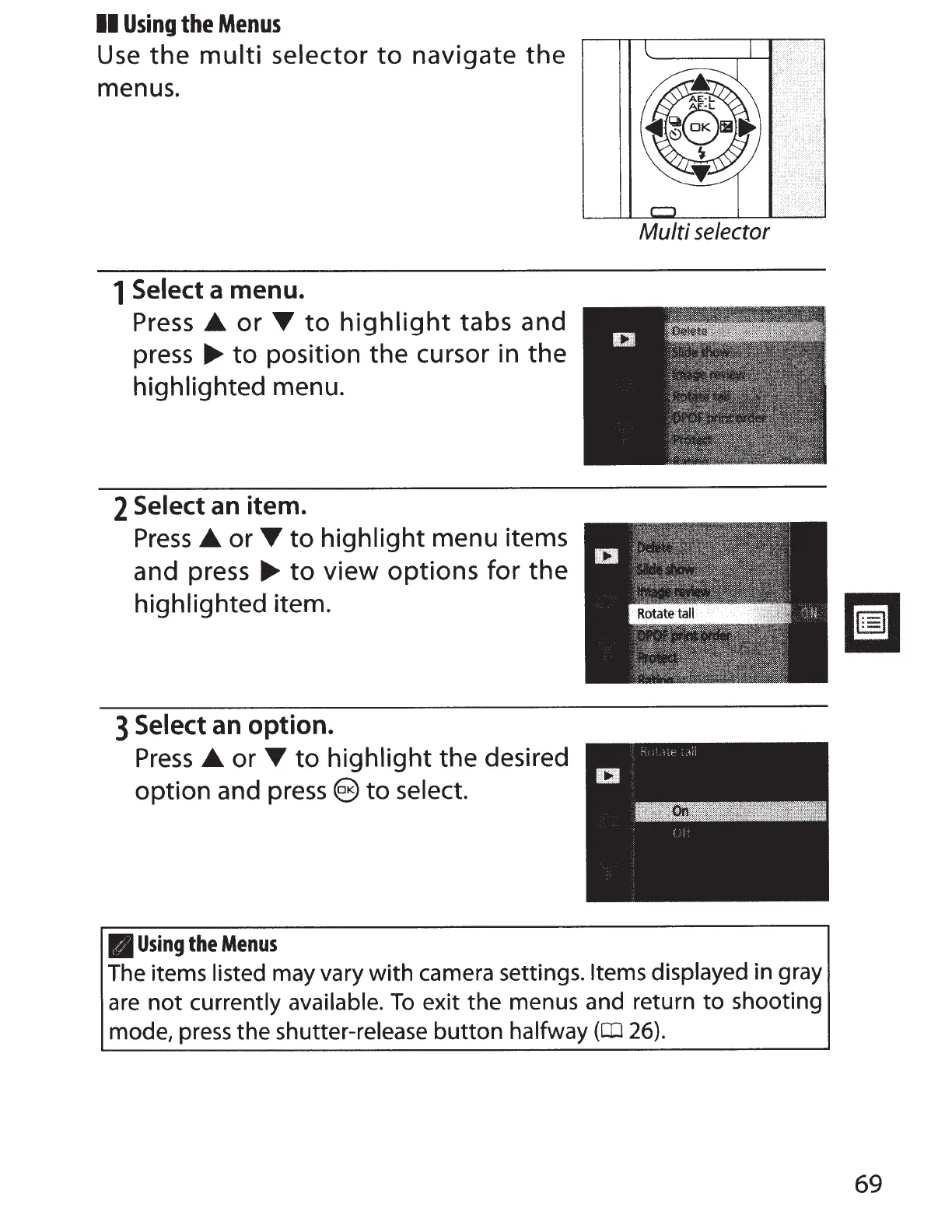
Use
the
multi
selector
to
navigate
the
menus.
1
Select a menu.
Press
.A.
or
'Y
to
highlight
tabs and
press
...,.
to
position the cursor in the
highlighted menu.
2
Select
an item.
Press
.A.
or
'Y
to
highlight menu items
and press
...,.
to
view
options
for
the
highlighted item.
3
Select an option.
Press
.A.
or
'Y
to
highlight the desired
option and
press
e
to
select.
II
Using
the
Menus
Multi
selector
The items listed
may vary with camera settings.
Items displayed in gray
are
not
currently available.
To
exit the menus and return
to
shooting
mode,
press
the shutter-release
button
halfway
(CD
26).
69

Table of Contents

Other manuals for Nikon 1 v2

Related product manuals