77
Shooting Options: The Shooting Menu
Color Options
Make colors more vivid or record pictures in mono-
chrome.
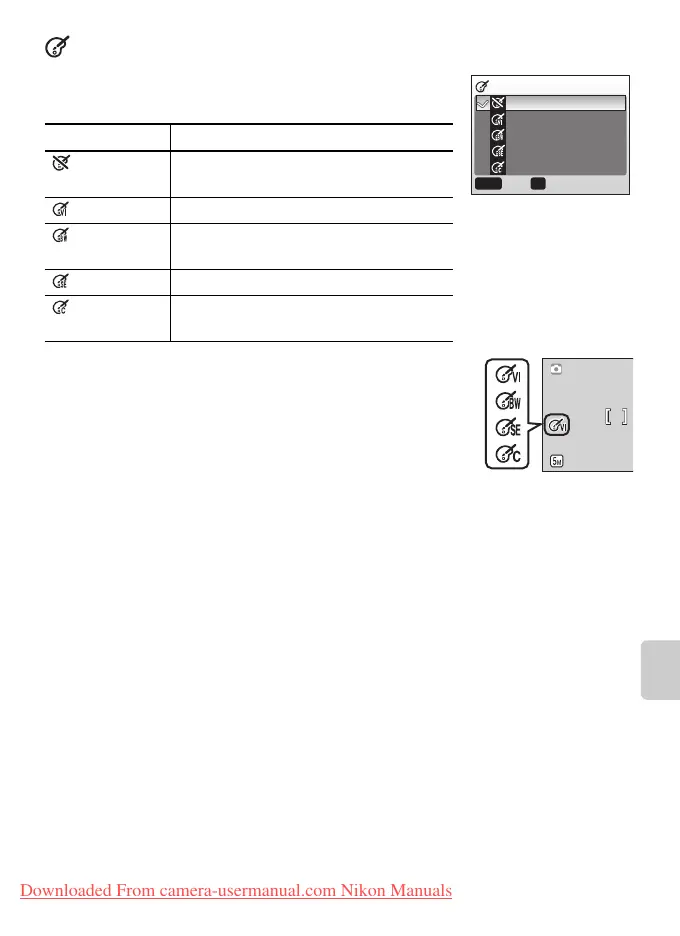
The effects of the selected option can be previewed
in the monitor. At settings other than Standard
Color, the current setting is also indicated by an icon
in the display.
Option Description
Standard
color
Natural color.
Vivid color Vivid, “photoprint” colors.
Black-and-
white
Take pictures in black-and-white.
Sepia Record pictures in sepia.
Cyanotype Take pictures in blue-tinted mono-
chrome.
COLOR OPTIONS
Standard color
Vivid color
Black-and-white
Sepia
Cyanotype
MENU OK
ConfirmExit
Downloaded From camera-usermanual.com Nikon Manuals















 To Next Page