108
Advanced Camera Settings – The Set-up Menu
The camera settings will be restored to the default settings.
Resetting File Numbering to 0001
To reset the file numbering to 0001, perform Reset all after deleting all pictures (P.94) or format-
ting the internal memory or memory card (P.106).
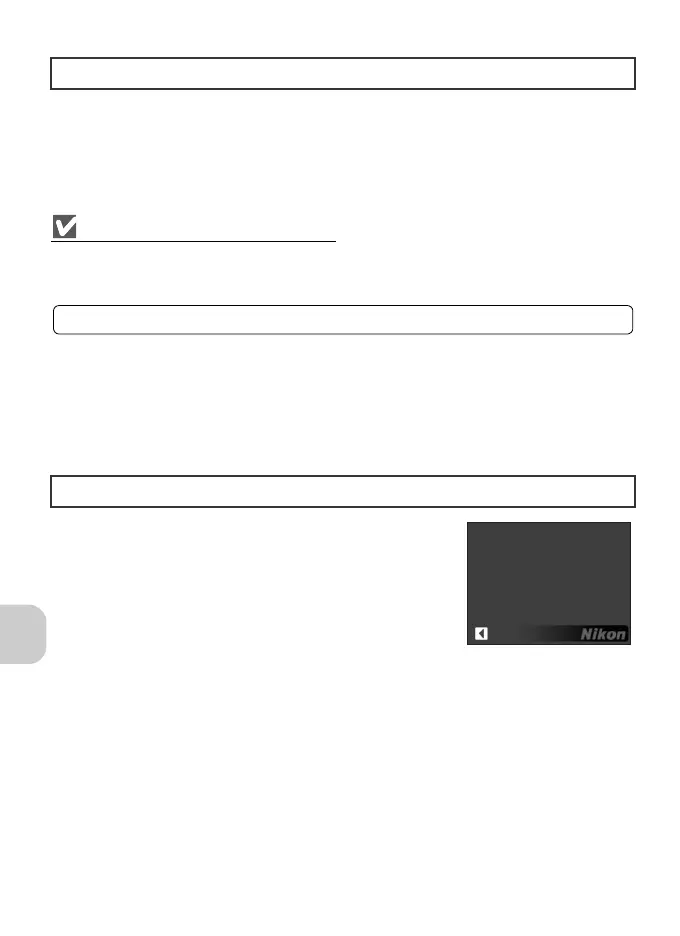
Use this option to check the firmware version for the
camera.
Reset All
n
Firmware Version
B
For more information, see “Default Settings” (P.119).
COOLPIX P4 Ver.1.0
Back













 To Next Page