Scene Mode 33
C Focus Area Selection
In A (portrait), D (night portrait), and J (close up) modes, the focus area can be selected
by pressing the B button. Press the multi selector up, down, left, or right to select from 99
focus areas, then press the B button again to return to shooting mode.
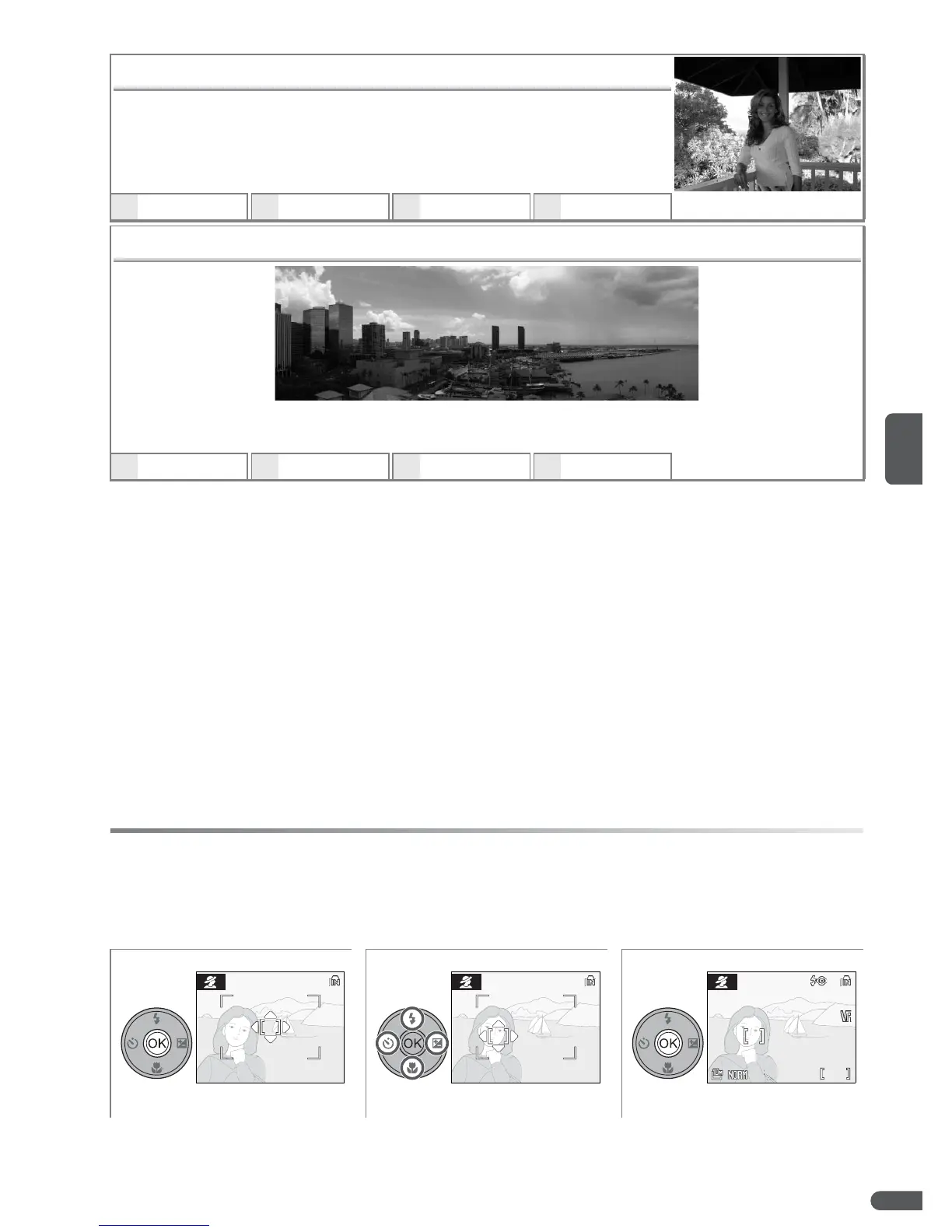
N Back Light
Use when light is coming from behind a portrait subject, throwing
their features into shadow. The built-in flash fires automatically to
“fill in” (illuminate) shadows.
• Camera focuses on subject in center of frame.
DDH
OFF
*
E
Z
b
0
*
O Panorama Assist
Use when taking a series of pictures that will later be joined together in PictureProject to
form a panorama (B 35).
D
U
*
H
OFF
*
E
Z
*
b
0
*
* Other options can be selected.
123
Display focus area. Select focus area.
*
Exit to shooting mode.
* To end focus area selection and adjust flash, focus, self-timer, and exposure compensa-
tion settings, press B.
9






 To Next Page