71
More on Playback
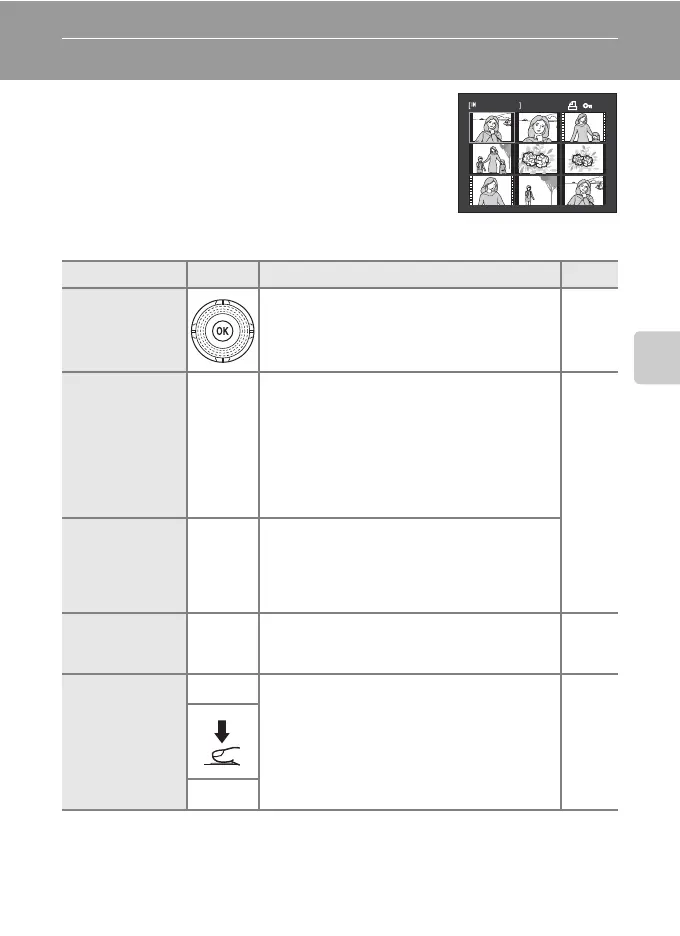
Viewing Multiple Pictures: Thumbnail Playback
Rotate the zoom control to f (h) in full-frame
playback mode (A 69) to display pictures in “contact
sheets” of thumbnail images (except in list by date
mode).
The following operations are available while thumbnails are displayed.
To Use Description A
Choose pictures
Rotate the rotary multi selector, or press H
,
I
,
J
, or
K.
9
Increase the
number of
pictures
displayed/apply
the calendar
display
f (h)
Rotate the zoom control to f (h) to increase
the number of picture thumbnails displayed: 4
➝ 9 ➝ 16. Rotate the zoom control to f (h) in
the 16-picture thumbnail display to apply the
calendar display (A 73), and pictures can be
found by the date on which they were taken.
Rotate the zoom control to g (i) to return to
thumbnail display.
–
Decrease the
number of
pictures
displayed
g (i)
Rotate the zoom control to g (i) to decrease
the number of picture thumbnails displayed: 16
➝ 9 ➝ 4. Rotate the zoom control to g (i) in
4-picture thumbnail display to return to full-
frame playback mode.
Switch to full-
frame playback
mode
k
Press the k button. 69
Switch to
shooting mode
A
Press the A button, the shutter-release button,
or the b (movie-record) button.
28
b
1 / 10



 To Next Page
 Loading...











