78
y
Skip ahead/
back
Use main command dial to skip to next or
previous index, or to skip to the last or first
frame if the movie contains no indices (if the
movie is more than 30 s long, rotating the
main command dial when the last frame is
displayed skips back 30 s.).
Adjust volume
X
/W Press
X
to increase volume, W to decrease.
Trim movie J See page 79 for more information.
Return to
shooting mode
Press the shutter-release button halfway to
exit to shooting mode.
Display menus G See page 283 for more information.
Exit /K Exit to full-frame playback.
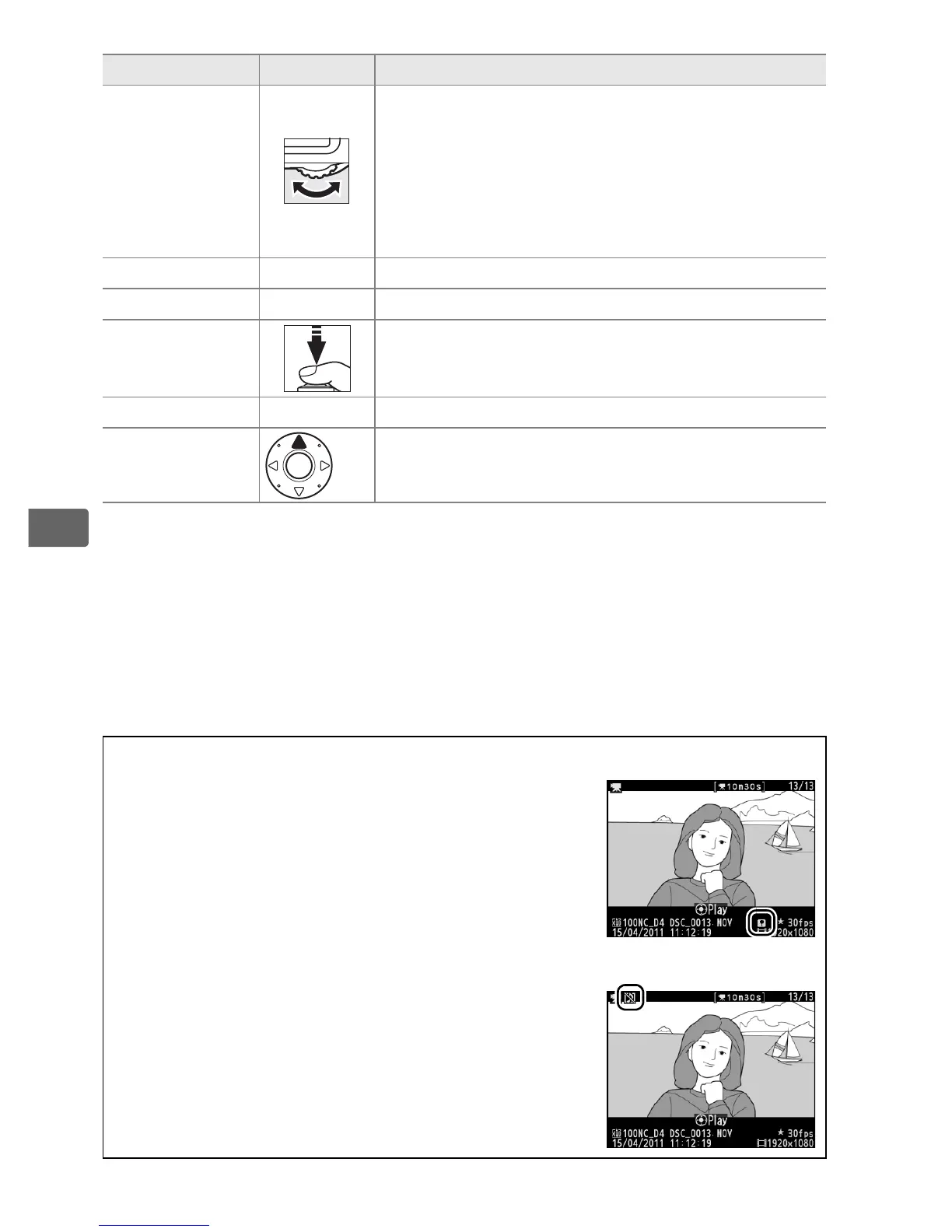
A The p Icon
Movies with indices (0 67) are indicated by a
p icon in full-frame playback.
A The 2 Icon
2 is displayed in full-frame and movie playback if
the movie was recorded without sound.
To Use Description



 To Next Page