333
U
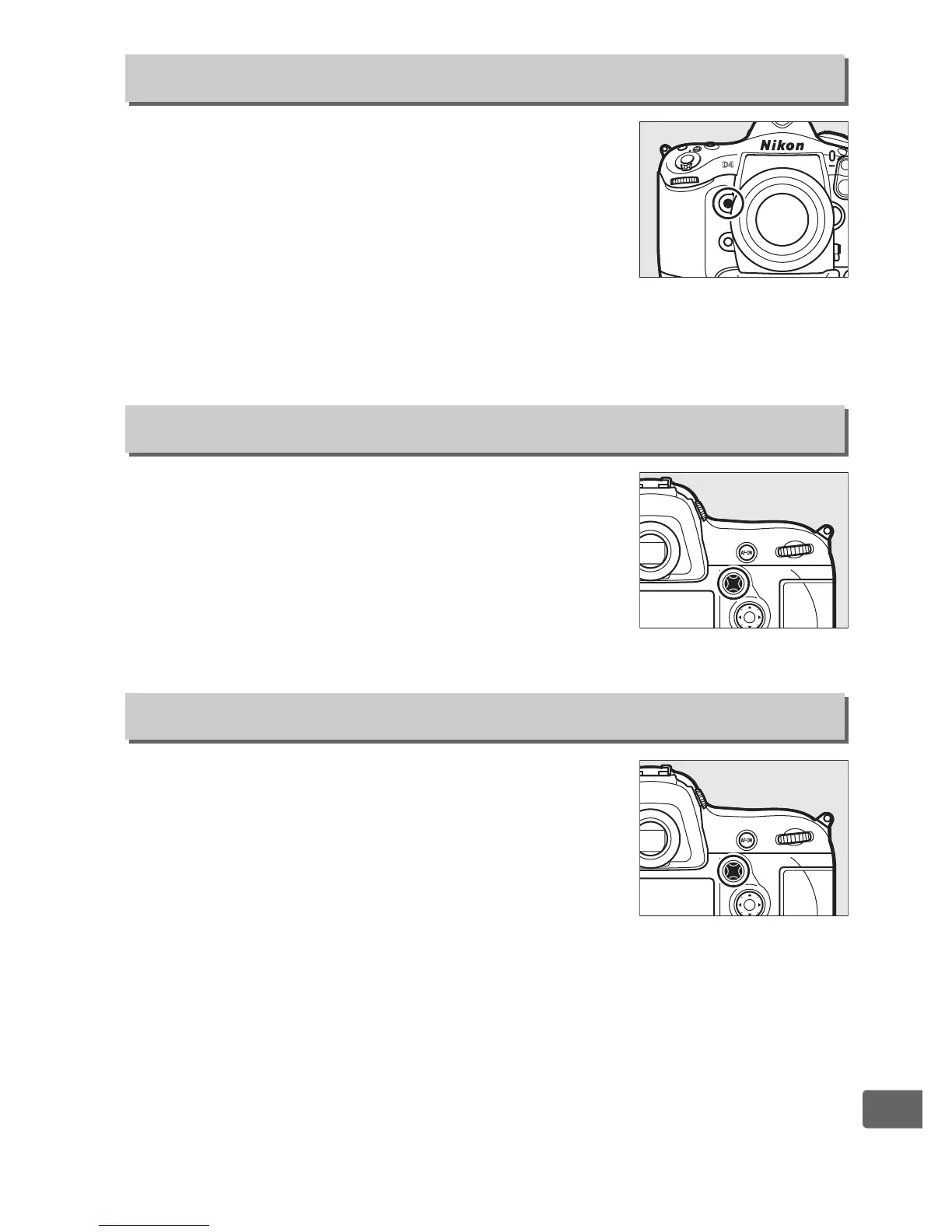
Choose the role played by the Pv button,
either by itself (Press) or when used in
combination with the command dials
(Press + command dials).
The options
available are the same as for Assign Fn
button (0 328), except that AF-ON is not
available for Press. The default options for Press and Press +
command dials are Preview and None, respectively.
Choose whether the sub-selector 1, 3, 4,
and 2 controls are used for focus point
selection (Focus point selection; 0 103) or
perform the same role as the matching
controls on the multi selector (Same as multi
selector).
Choose the role played by the center of the
sub-selector, either by itself (Press) or when
used in combination with the command dials
(Press + command dials).
The options
available are the same as for Assign Fn
button (0 328), except that Press has an
additional Select center focus point option that allows the center
of the sub-selector to be used to select the center focus point and
that AF-ON, 1 stp spd/aperture, and Active D-Lighting are not
available. The default options for Press and Press + command
dials are AE/AF lock and None, respectively.
f4: Assign Preview Button
G button ➜ A Custom Settings menu
f5: Assign Sub-selector
G button ➜ A Custom Settings menu
f6: Assign Sub-selector Center
G button ➜ A Custom Settings menu



 To Next Page