199
l
Flash Modes
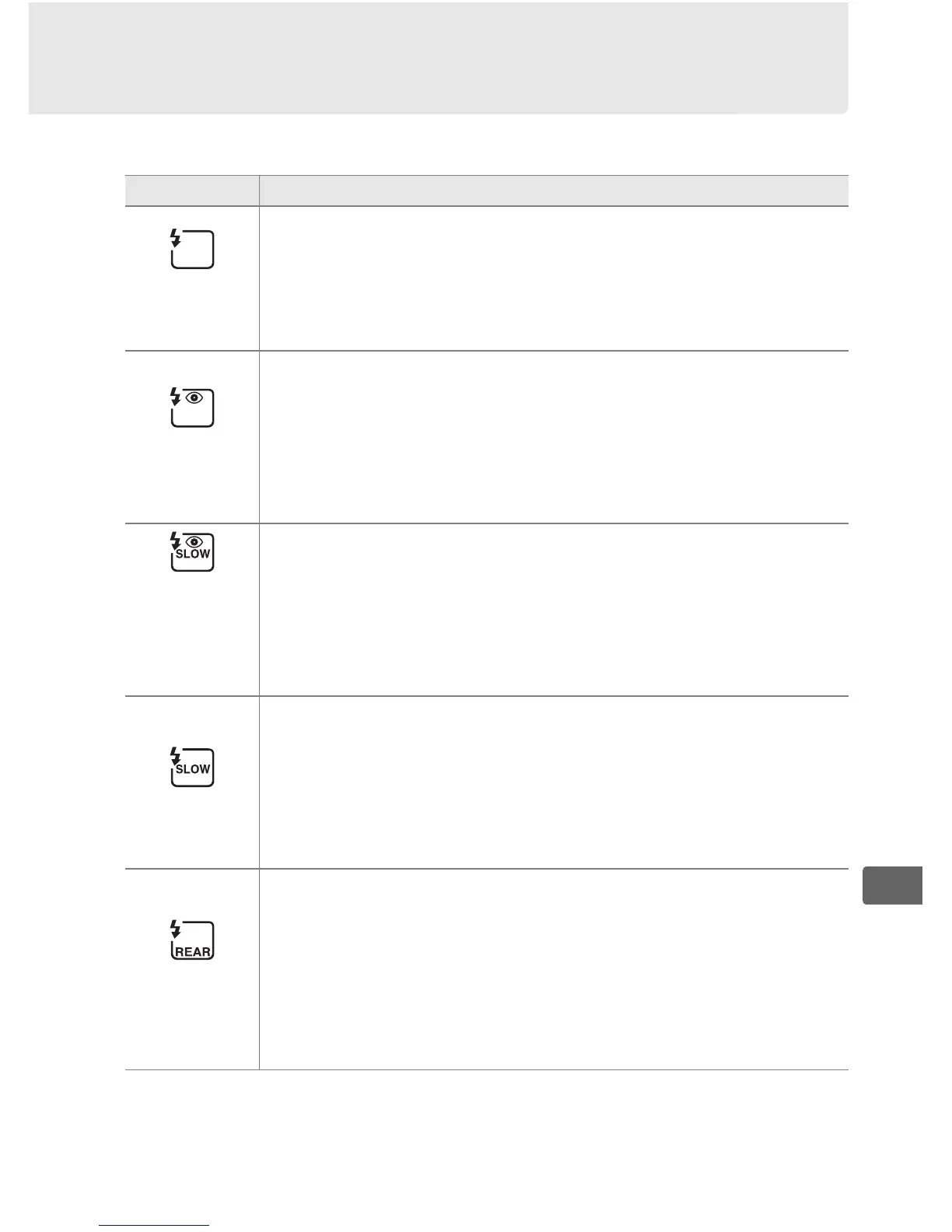
The camera supports the following flash modes:
Flash mode Description
Front-
curtain sync
This mode is recommended for most situations.
In
programmed auto and aperture-priority auto modes,
shutter speed will automatically be set to values between
1
/250 and
1
/60 s (
1
/8,000 to
1
/60 s with Auto FP High-Speed
Sync; 0 323).
Red-eye
reduction
Choose this mode (available with SB-910, SB-900, SB-800,
SB-700, SB-600, and SB-400 only) to reduce “red-eye” effect
sometimes caused by flash.
Not recommended with
moving subjects or in other situations in which quick
shutter response is required.
Do not move camera during
shooting.
Red-eye
reduction
with slow
sync
Combines red-eye reduction with slow sync.
Use for
portraits taken against a backdrop of night scenery.
Available only with SB-910, SB-900, SB-800, SB-700, SB-600,
and SB-400 in programmed auto and aperture-priority
auto exposure modes.
Use of a tripod is recommended to
prevent blurring caused by camera shake.
Slow sync
Flash is combined with shutter speeds as slow as 30 s to
capture both subject and background at night or under
dim light.
This mode is only available in programmed auto
and aperture-priority auto exposure modes.
Use of tripod
is recommended to prevent blurring caused by camera
shake.
Rear-curtain
sync
In shutter-priority auto or manual exposure mode, flash
fires just before the shutter closes.
Use to create effect of a
stream of light behind moving objects.
In programmed
auto and aperture-priority auto, slow rear-curtain sync is
used to capture both subject and background.
Use of
tripod is recommended to prevent blurring caused by
camera shake.



 To Next Page