322
U
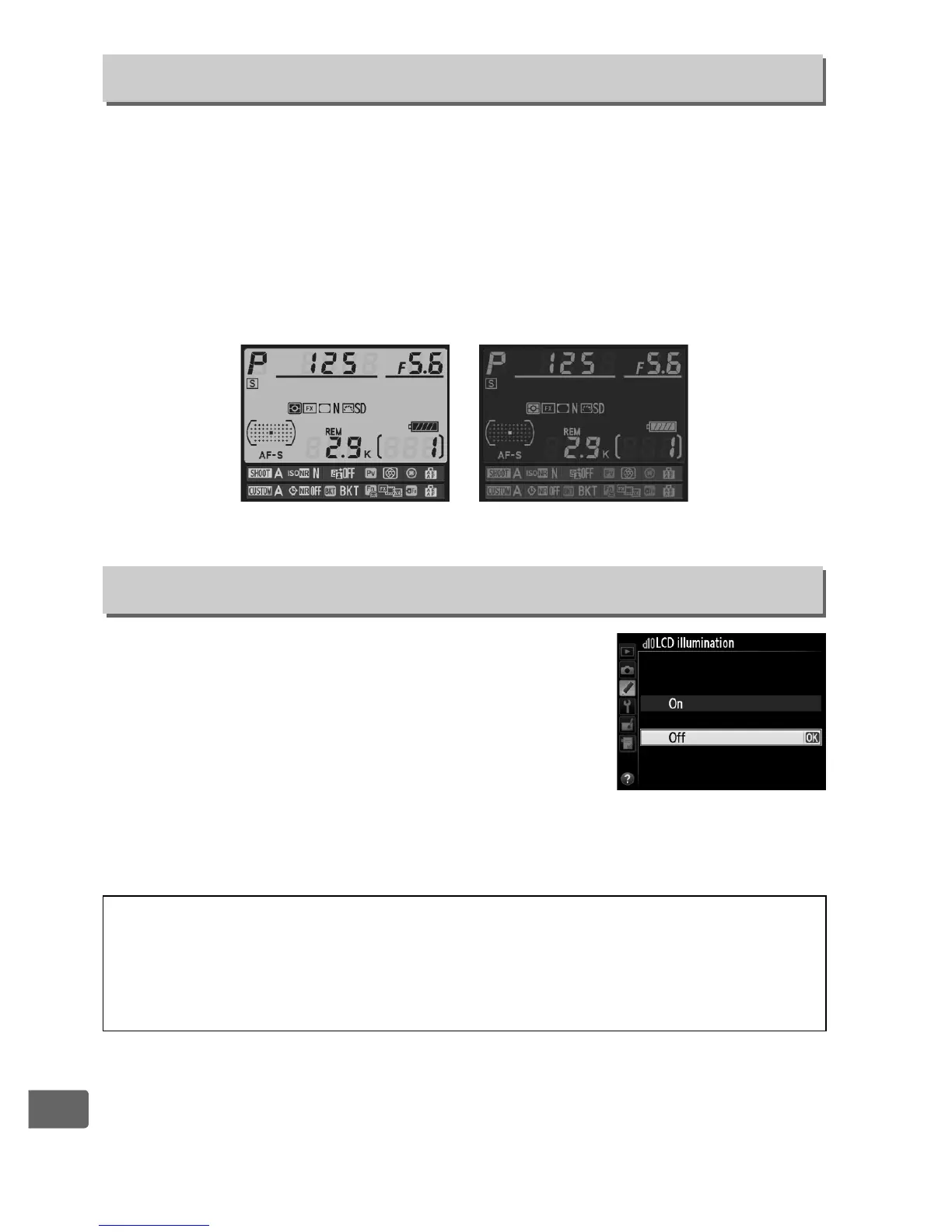
If Auto (AUTO) is selected, the color of the lettering in the
information display (0 13) will automatically change from black to
white or white to black to maintain contrast with the background.
To always use the same color lettering, select Manual and choose
Dark on light (B; black lettering) or Light on dark (W; white
lettering).
Monitor brightness will automatically be adjusted for
maximum contrast with the selected text color.
If
Off
is selected, the control panel and button
backlights (illuminators) will only light while
the power switch is rotated toward
D
. If
On
is
selected, the backlights will remain on while
the standby timer is active (
0
45; note that
regardless of the option selected, the
backlights turn off while the shutter-release button is pressed).
Select
Off
for increased battery life.
d9: Information Display
G button ➜ A Custom Settings menu
Dark on light Light on dark
d10: LCD Illumination
G button ➜ A Custom Settings menu
A Button Backlights
The following controls are equipped with backlights: the D, M, Y, G,
L (Z/Q), X, W, J, R, a, H, U, T, and S buttons and the
release mode dial.



 To Next Page