129
Z
h: Manual
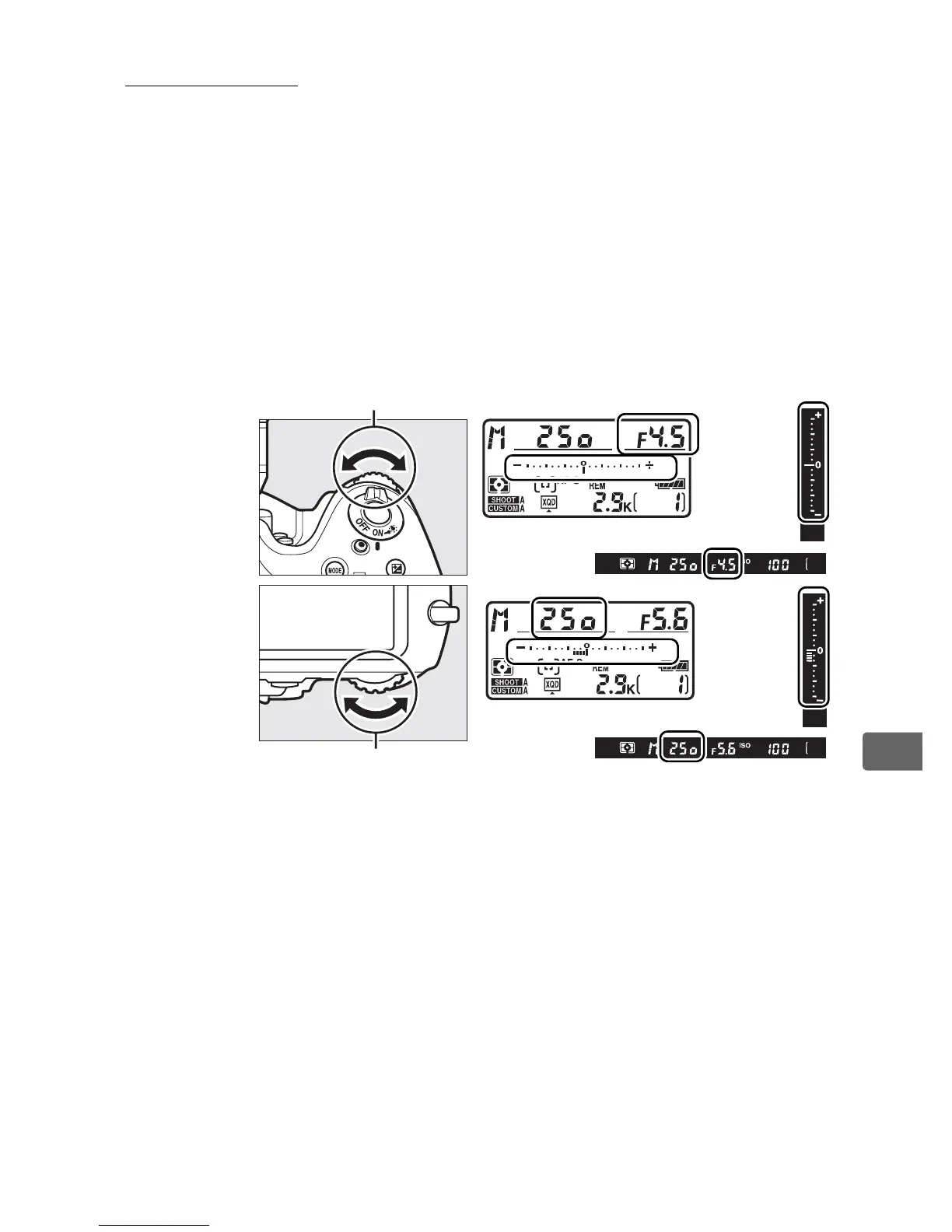
In manual exposure mode, you control both shutter speed and
aperture. While the exposure meters are on, rotate the main
command dial to choose a shutter speed, and the sub-command
dial to set aperture.
Shutter speed can be set to “p” or to
values between 30 s and
1
/8,000 s, or the shutter can be held open
indefinitely for a long time-exposure (A, 0 131).
Aperture
can be set to values between the minimum and maximum values
for the lens.
Use the exposure indicators to check exposure.
Shutter speed and aperture can be locked at the selected setting
(0 133).
Sub-command dial
Main command dial
Aperture
Shutter
speed



 To Next Page