t
207
t
Other Shooting Options
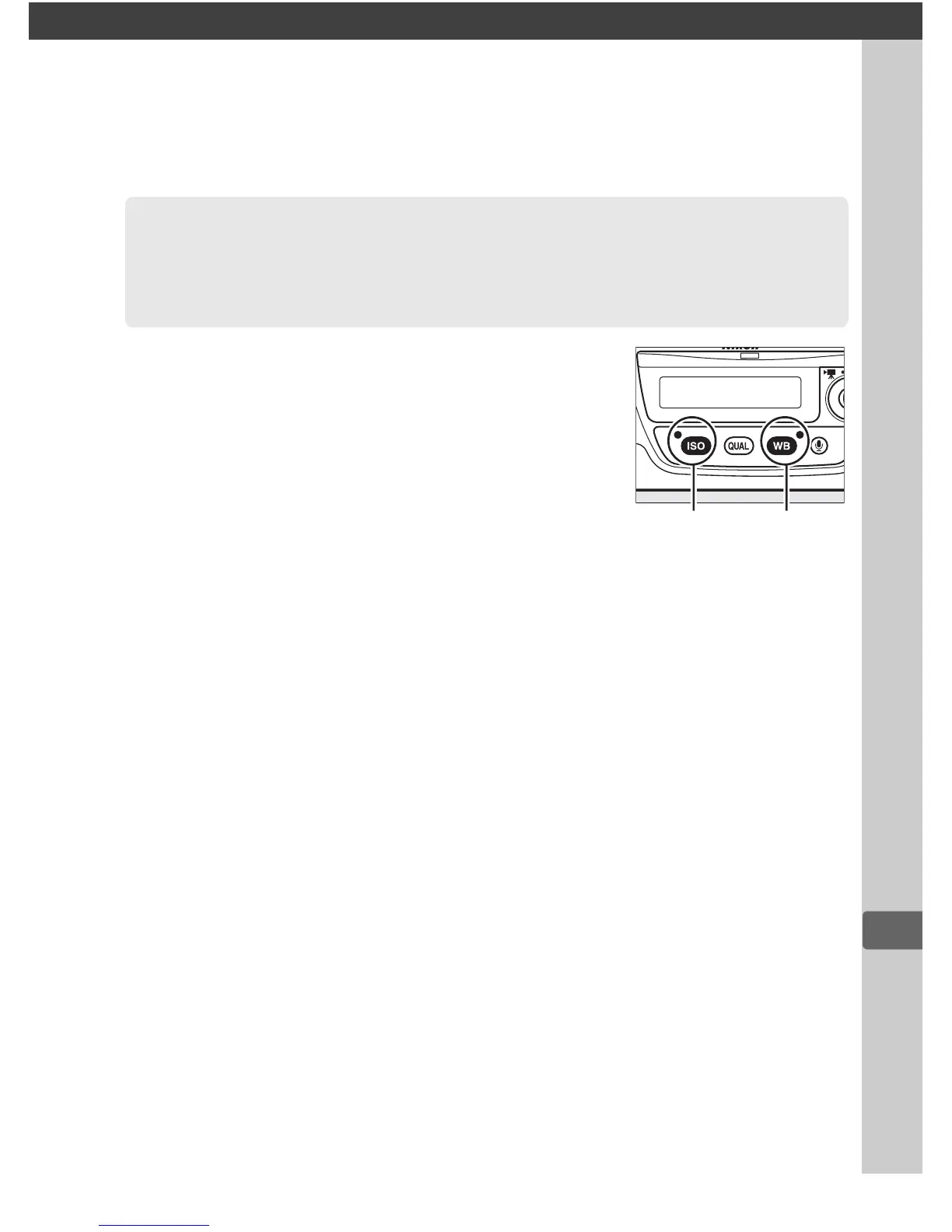
The camera settings listed below can be
restored to default values by holding the S
and U buttons down together for more
than two seconds (these buttons are marked
by a green dot).
The control panels turn off
briefly while settings are reset.
Two-Button Reset: Restoring
Default Settings
S
button
U
button



 To Next Page