118
S
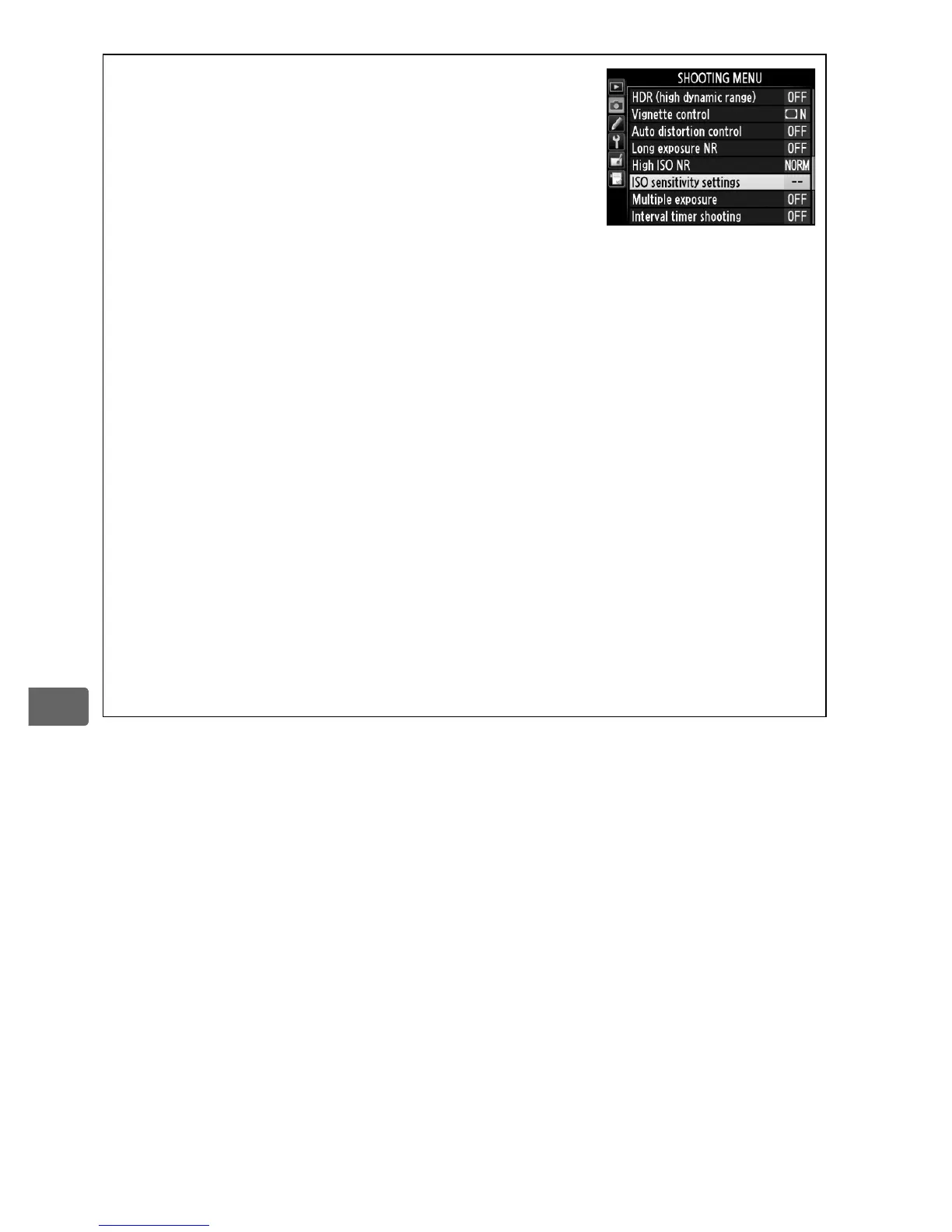
A The ISO Sensitivity Menu
ISO sensitivity can also be adjusted using the ISO
sensitivity settings option in the shooting
menu (0 293).
A Hi 0.3–Hi 4
The settings Hi 0.3 through Hi 4 correspond to ISO sensitivities 0.3–4 EV
over ISO 12800 (ISO16000–204800 equivalent). Pictures taken at these
settings are more likely to be subject to noise (randomly-spaced bright
pixels, fog, or lines).
A Lo 0.3–Lo 1
The settings Lo 0.3 through Lo 1 correspond to ISO sensitivities
0.3–1 EV below ISO 100 (ISO 80–50 equivalent).
Use for larger apertures
when lighting is bright. Contrast is slightly higher than normal; in most
cases, ISO sensitivities of ISO 100 or above are recommended.
A See Also
For information on choosing the ISO sensitivity step size, see Custom
Setting b1 (ISO sensitivity step value; 0 313). For information on
using the High ISO NR option in the shooting menu to reduce noise at
high ISO sensitivities, see page 302.



 To Next Page