132
Z
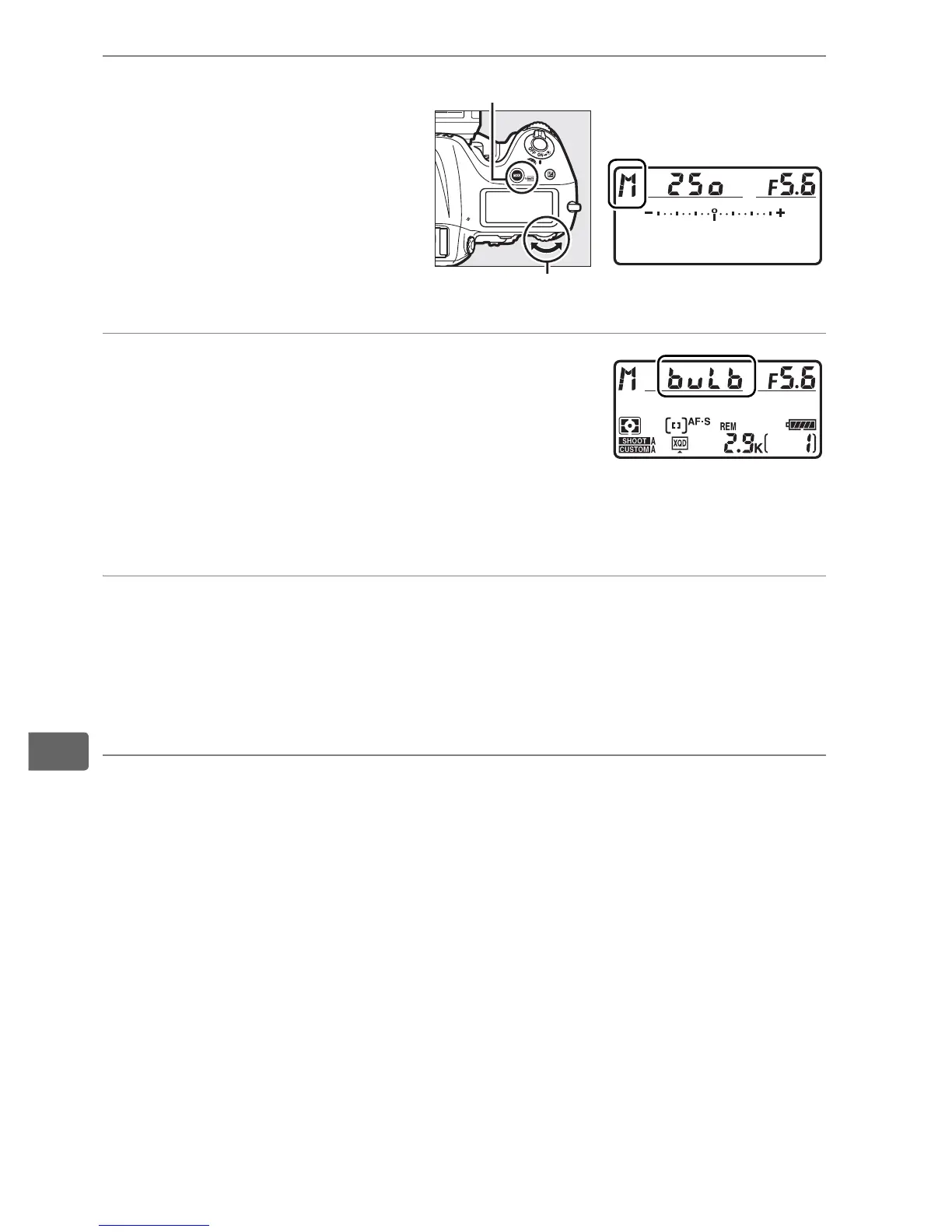
2 Select exposure
mode h.
Press the I (Q)
button and rotate the
main command dial
until h is displayed in
the top control panel.
3 Choose a shutter speed.
While the exposure meters are on, rotate
the main command dial until “A”
appears in the shutter-speed displays.
The exposure indicators do not appear when “A“ is
selected.
4 Press the shutter-release button all the way down.
Press the shutter-release button on the camera or remote cord
all the way down.
The shutter will remain open while the
shutter-release button is pressed.
5 Release the shutter-release button.
Remove your finger from the shutter-release button to record
the photograph.
I (Q) button
Main command dial



 To Next Page