161
r
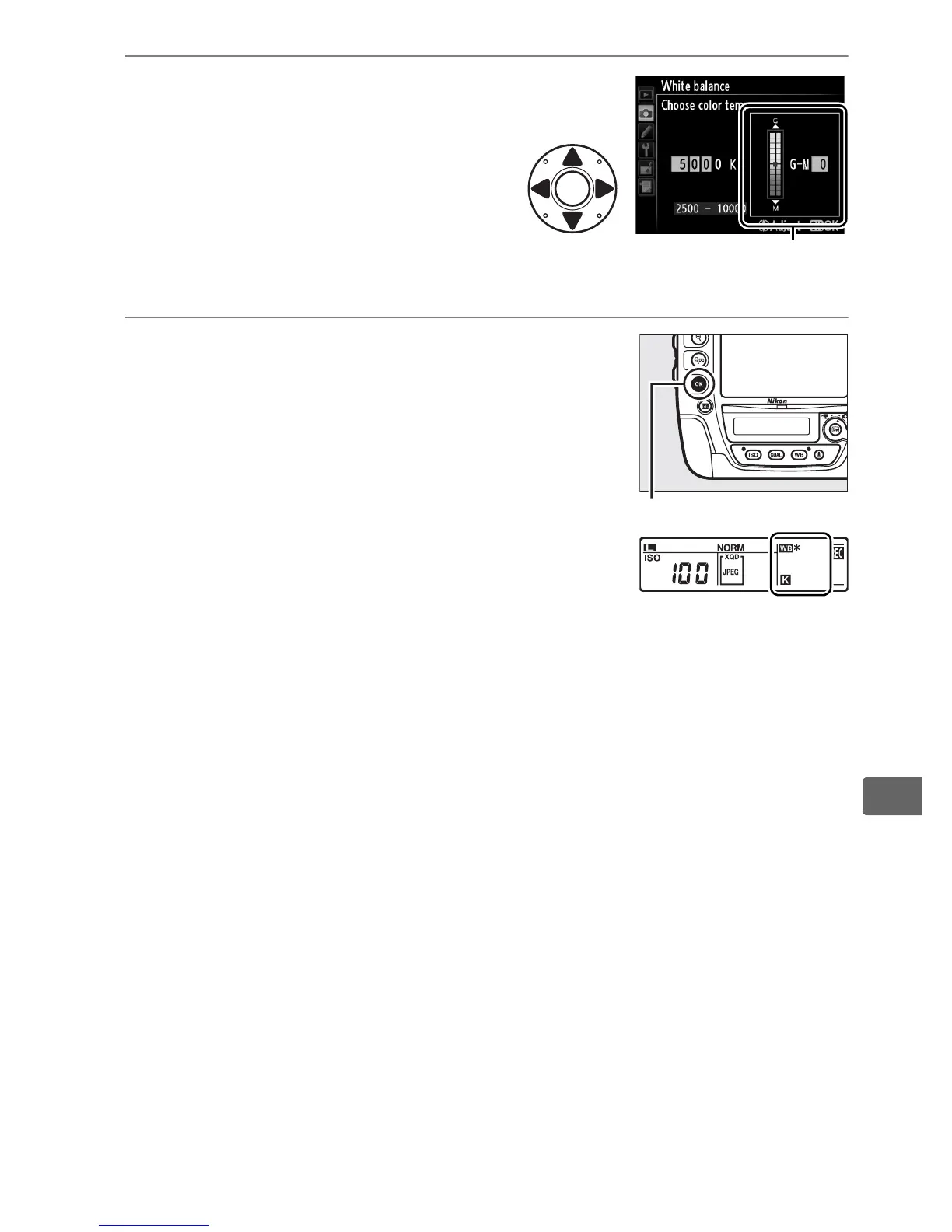
3 Select a value for green-
magenta.
Press 4 or 2 to highlight the G
(green) or M (magenta) axis
and press 1 or 3 to select a
value.
4 Press J.
Press J to save changes and return to the
shooting menu.
If a value other than 0 is
selected for the green (G)–magenta (M)
axis, an asterisk (“U”) will be displayed in
the rear control panel.
Value for green (G)-magenta
(M) axis
J button



 To Next Page