167
r
D Direct Measurement Mode
If no operations are performed while the displays are flashing, direct
measurement mode will end in the time selected for Custom Setting c2
(Standby timer, 0 316).
A Protected Presets
If the current preset is protected (0 171), white balance can not be fine-
tuned, the comment can not be edited, and 3 will flash in the top
control panel and viewfinder (and L in the rear control panel) if you
attempt to measure a new value.
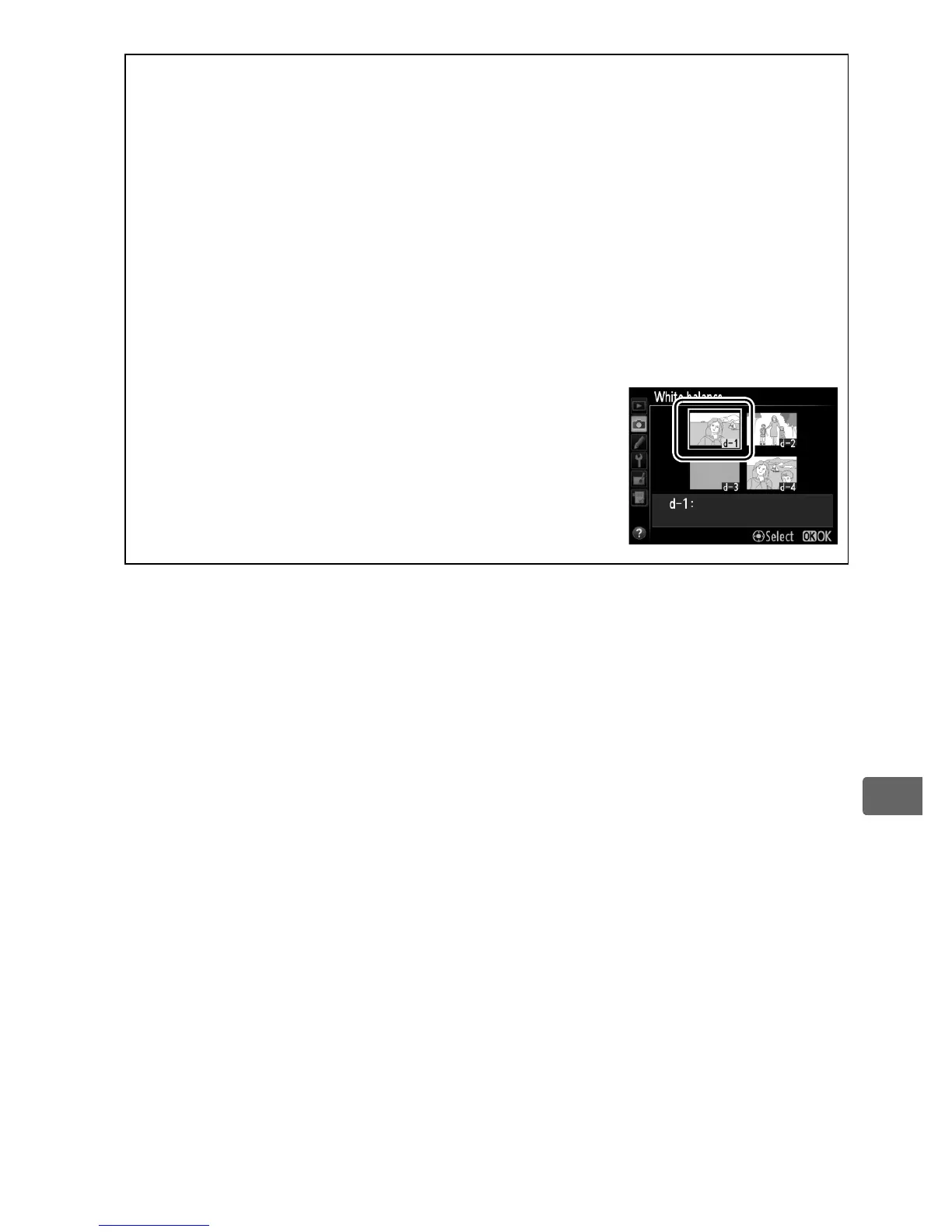
A Selecting a Preset
Selecting Preset manual for the White balance
option in the shooting menu displays the dialog
shown at right; highlight a preset and press J.
If
no value currently exists for the selected preset,
white balance will be set to 5,200 K, the same as
Direct sunlight.



 To Next Page