257
e
Automatic Recording (Shooting Mode)
If On (Auto and manual) is selected for Voice memo (0 255),
a voice memo will be added to the most recent photograph when
shooting ends.
Recording will end when the H button is pressed
or after the specified recording time has ended.
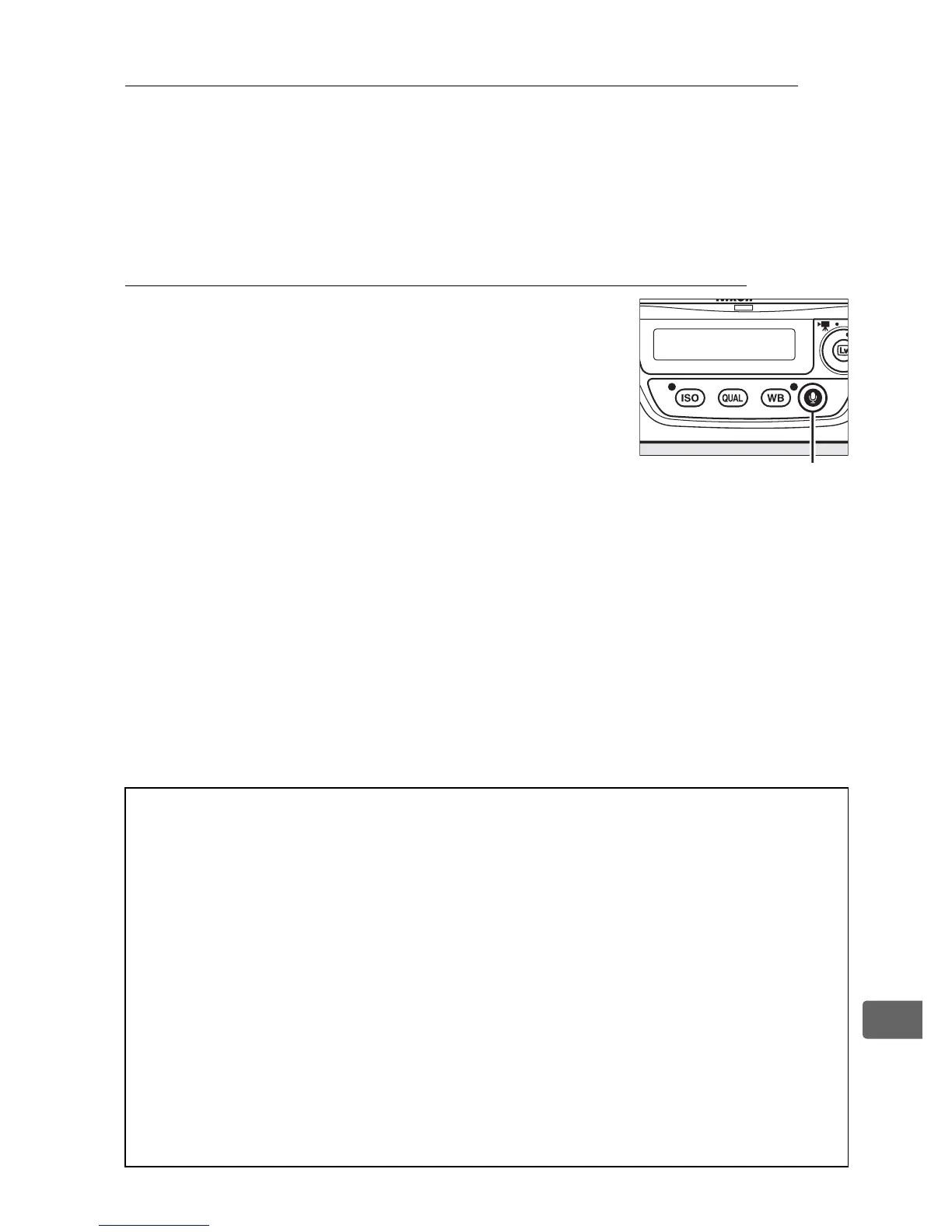
Manual Recording (Shooting Mode)
If On (Auto and manual) or Manual only is
selected for Voice memo (0 255), a voice
memo can be recorded for the most recent
photograph by pressing and holding the H
button.
A voice memo will be recorded while
the button is held down (note that no voice
memo will be recorded if the H button is not
held down for at least one second).
D Automatic Recording
Voice memos will not be recorded automatically during live view
(0 49), movie recording (0 63), or time-lapse photography (0 223), or
when On is selected for the Image review option (0 289) in the
playback menu.
A voice memo can however be added to the
photograph displayed during image review even if Off is selected for
Voice memo.
A Secondary slot function
If two memory cards are inserted and
Backup
or
RAW primary, JPEG
secondary
is selected for the
Secondary slot function
option (
0
95) in
the shooting menu, voice memos will be associated with the images
recorded to the memory card in the primary slot.
H button



 To Next Page