90
d
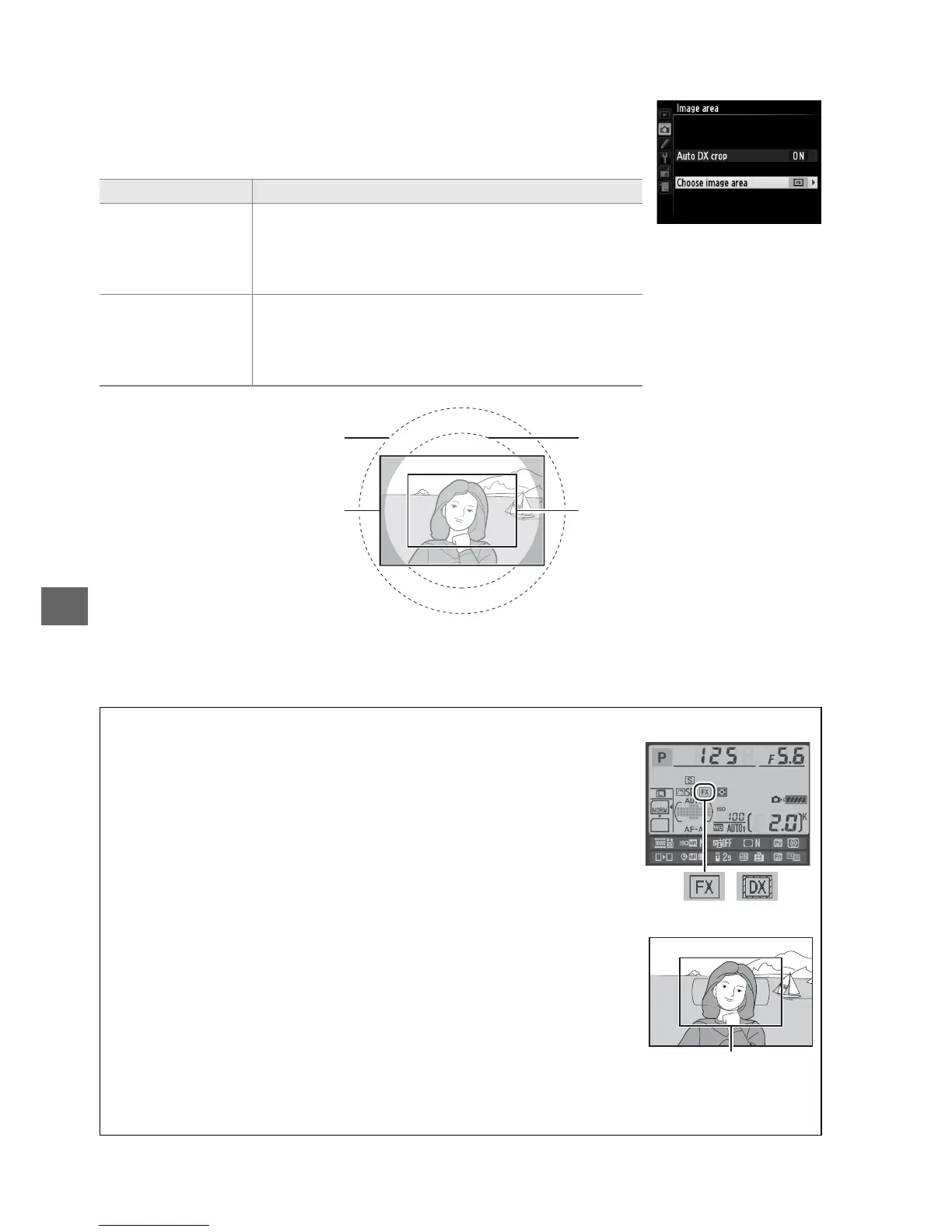
❚❚ Choose Image Area
Choose the image area used when a non-DX lens is attached or
a DX-lens is attached with Off selected for Auto DX crop
(0 91).
Option Description
c
FX (36×24)
1.0×
(FX format)
Images are recorded in FX format using the full
area of the image sensor (35.9 × 24.0 mm),
producing an angle of view equivalent to a
NIKKOR lens on a 35 mm format camera.
a
DX (24×16)
1.5×
(DX format)
An area at the center of the image sensor
23.5 × 15.7 mm is used to record pictures in DX
format.
To calculate the approximate focal length
of the lens in 35mm format, multiply by 1.5.
A Image Area
The selected option is shown in the information display.
A The Viewfinder Display
The DX format crop is shown at right; the area outside the crop can be
viewed in gray when Off is selected for Custom Setting a4 (AF point
illumination, 0 222).
A See Also
See page 63 for information on the crops available in movie live view.
DX format (24×16)
image circle
FX format (36×24)
image circle
DX formatFX format
DX format



 To Next Page