62
y
❚❚ Adjusting Settings in the Live View Display
Microphone sensitivity, headphone volume, and monitor brightness can be adjusted
as described below.
Note that microphone sensitivity and headphone volume can
not be adjusted during recording, and that brightness affects the monitor only
(0 61); movies recorded with the camera are unaffected.
1 Highlight a setting.
Press and hold L (U) and press 4 or 2 to highlight
the indicator for the desired setting.
2 Adjust the highlighted setting.
Keeping the L (U) button pressed, press 1 or 3 to
adjust the highlighted setting.
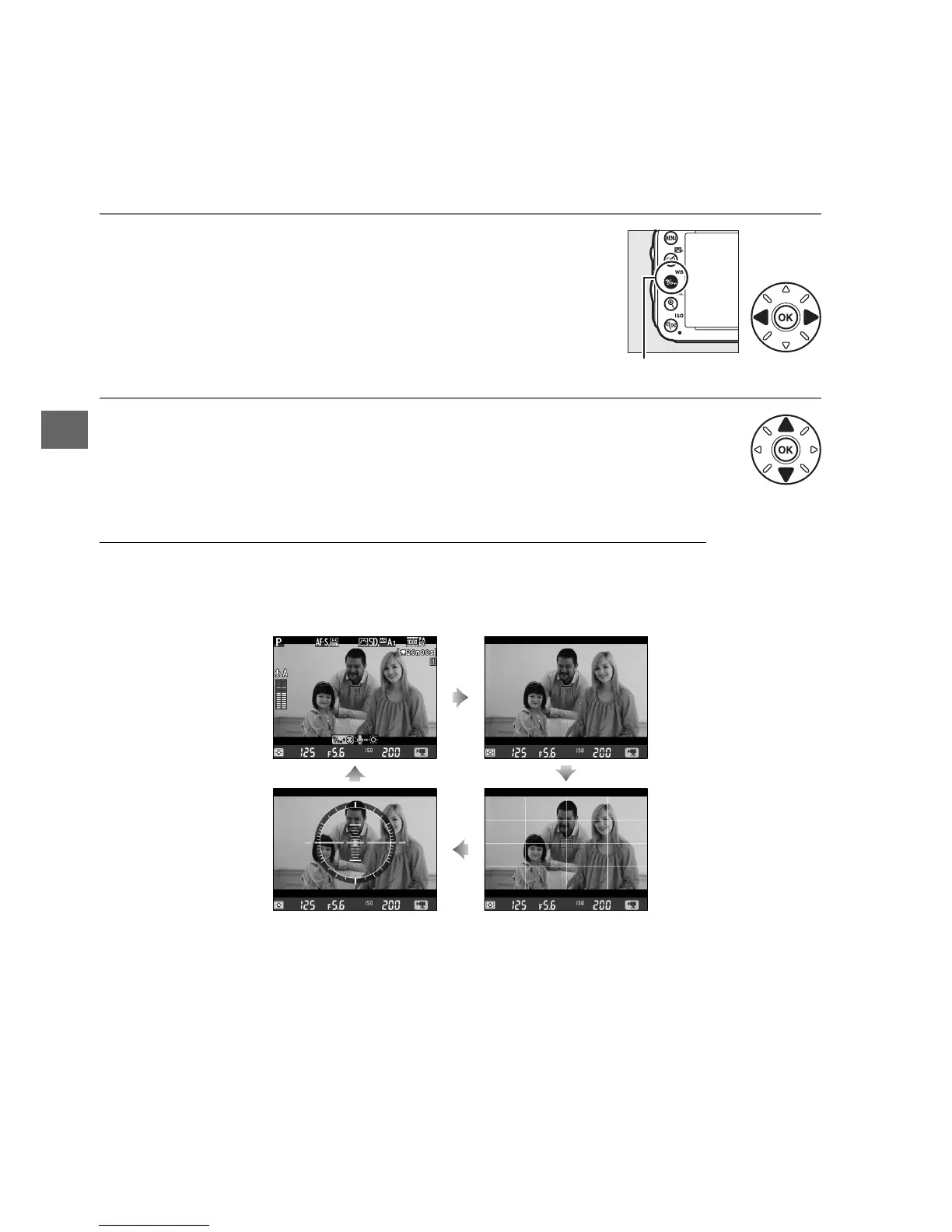
The Information Display: Movie Live View
To hide or display indicators in the monitor during movie live view, press the R
button.
Information on Information off
Virtual horizon
(0 258)
Framing guides
L (U) button



 To Next Page