268
U
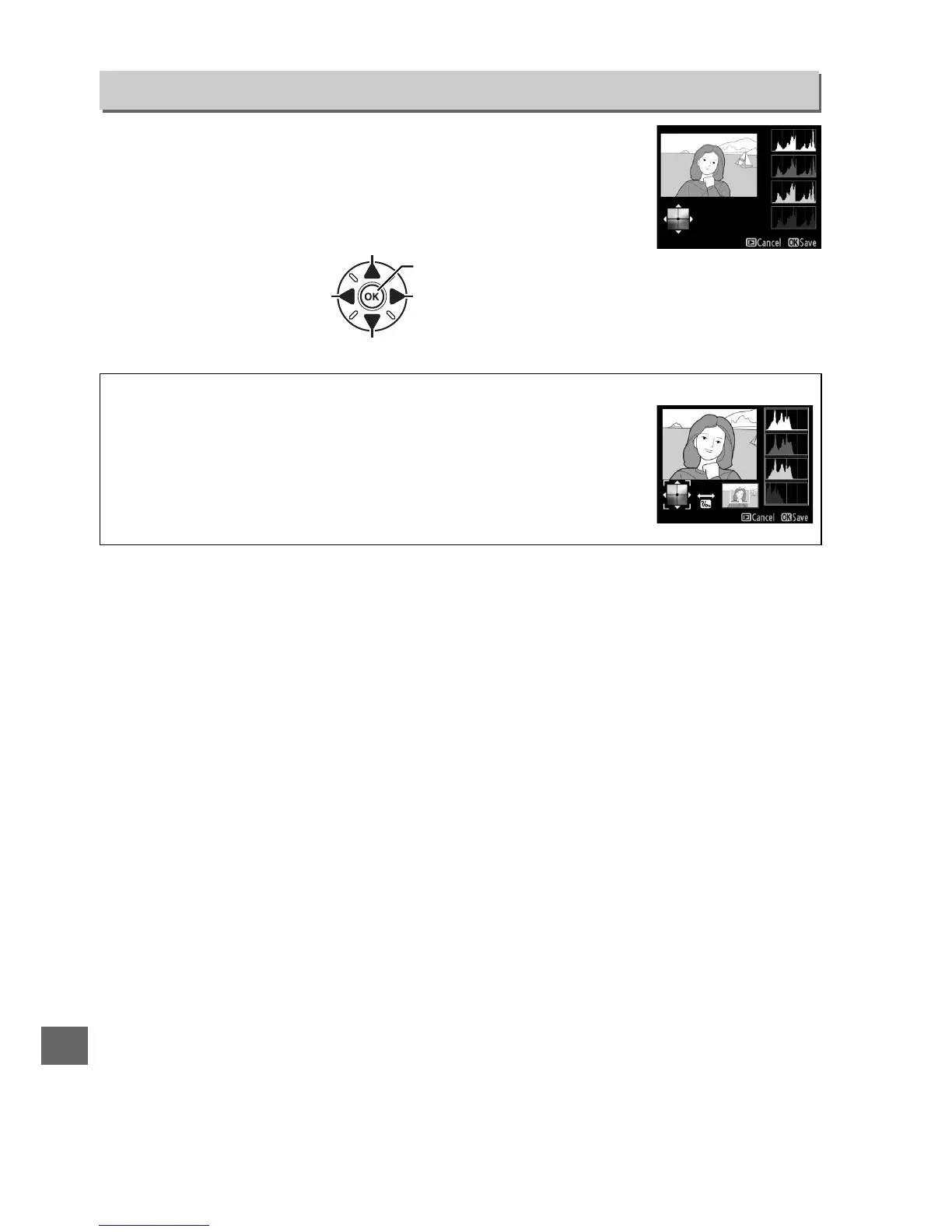
Use the multi selector to create a copy with modified color
balance as shown below.
The effect is displayed in the monitor
together with red, green, and blue histograms (0 181) giving
the distribution of tones in the copy.
Color Balance
G button ➜ N retouch menu
Increase amount of green
Increase amount of blue
Create retouched copy
Increase amount of amber
Increase amount of magenta
A Zoom
To zoom in on the image displayed in the monitor, press X (T).
The
histogram will be updated to show data only for the portion of the
image displayed in the monitor.
While the image is zoomed in, press
L (U) to toggle back and forth between color balance and zoom.
When zoom is selected, you can zoom in and out with the X (T)
and W (S) and scroll the image with the multi selector.



 To Next Page