69
y
Editing Movies
Trim footage to create edited copies of movies or save selected frames as JPEG stills.
Trimming Movies
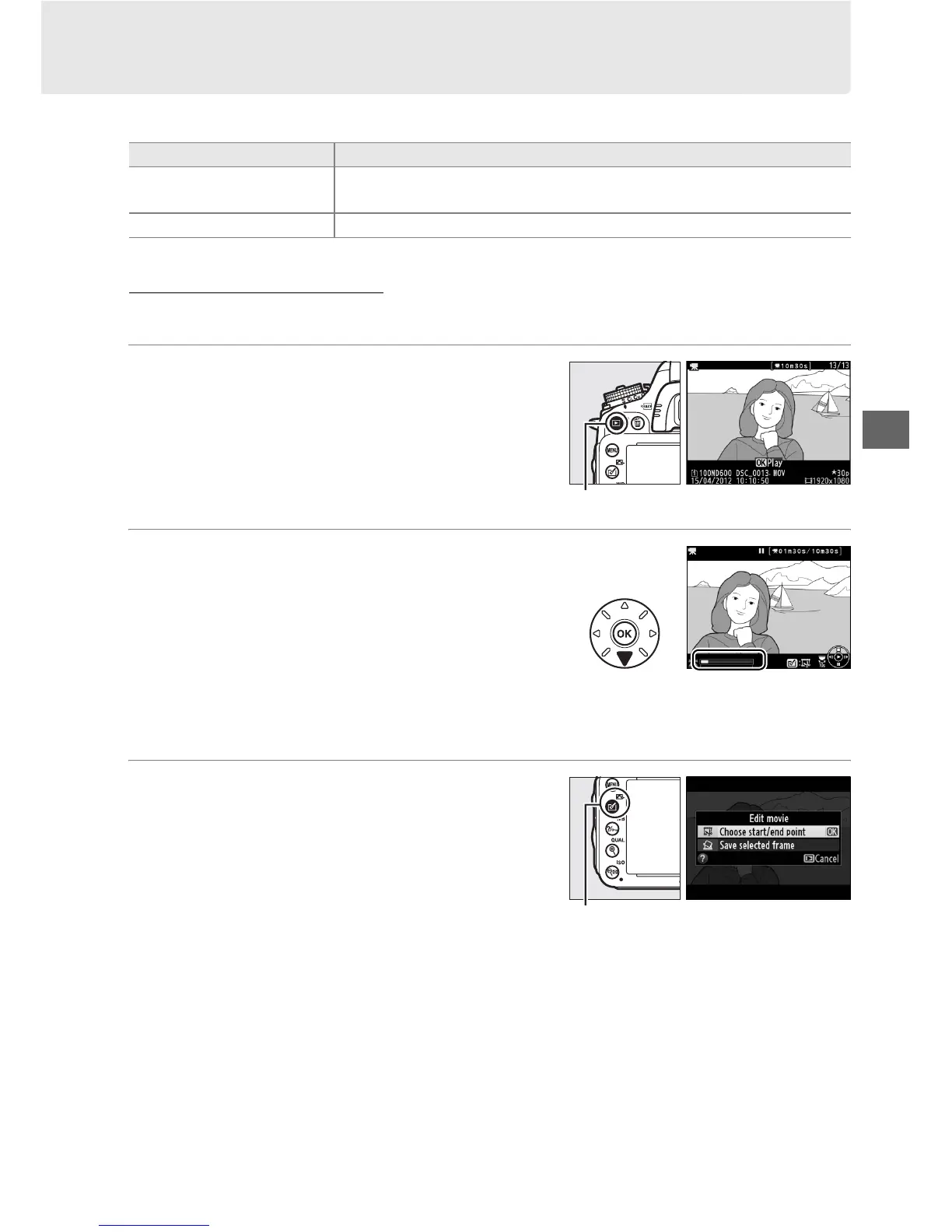
To create trimmed copies of movies:
1 Display a movie full frame.
Press the K button to display pictures full
frame in the monitor and press 4 and 2 to
scroll through pictures until the movie you
wish to edit is displayed.
2 Choose a starting or end point.
Play the movie back as described on page
67, pressing J to start and resume playback
and 3 to pause and pressing 4 or 2 or
rotating the main or sub-command dials to
locate the desired frame (0 67).
Your
approximate position in the movie can be
ascertained from the movie progress bar.
3 Display movie edit options.
Press the c (b) button to display movie
edit options.
Option Description
9 Choose start/end point
Create a copy from which the opening or closing footage has been
removed.
4
Save selected frame Save a selected frame as a JPEG still.
K button
Movie progress bar
c (b) button



 To Next Page