130
J
A Custom Picture Controls
Custom Picture Controls are created through modifications to existing Picture Controls using
the Manage Picture Control option in the shooting menu (0 134).
Custom Picture Controls
can be saved to a memory card for sharing among other cameras of the same model and
compatible software (0 136).
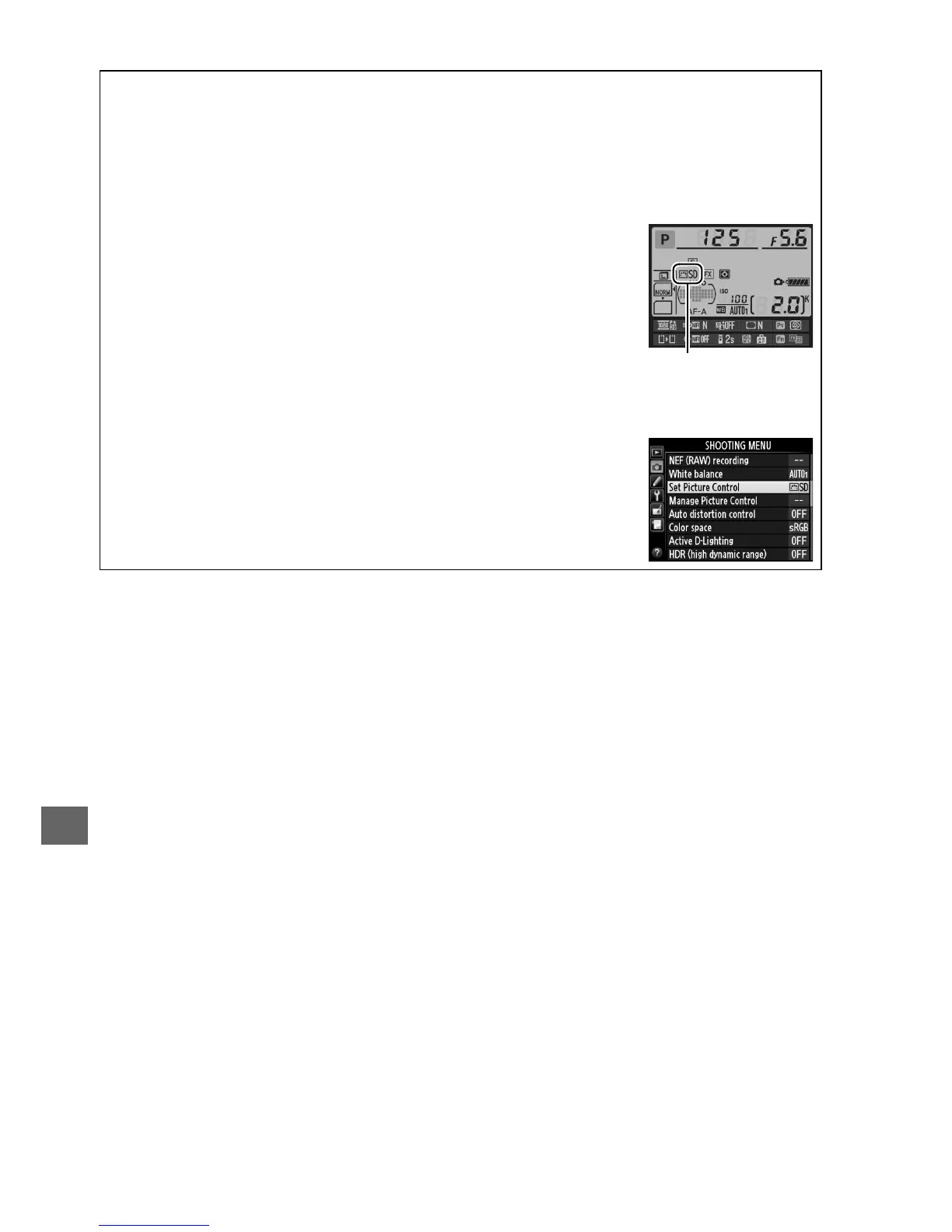
A The Picture Control Indicator
The current Picture Control is shown in the information display when
the R button is pressed.
Picture Control
indicator
A The Shooting Menu
Picture Controls can also be selected using the Set Picture Control
option in the shooting menu (0 214).



 To Next Page