66
y
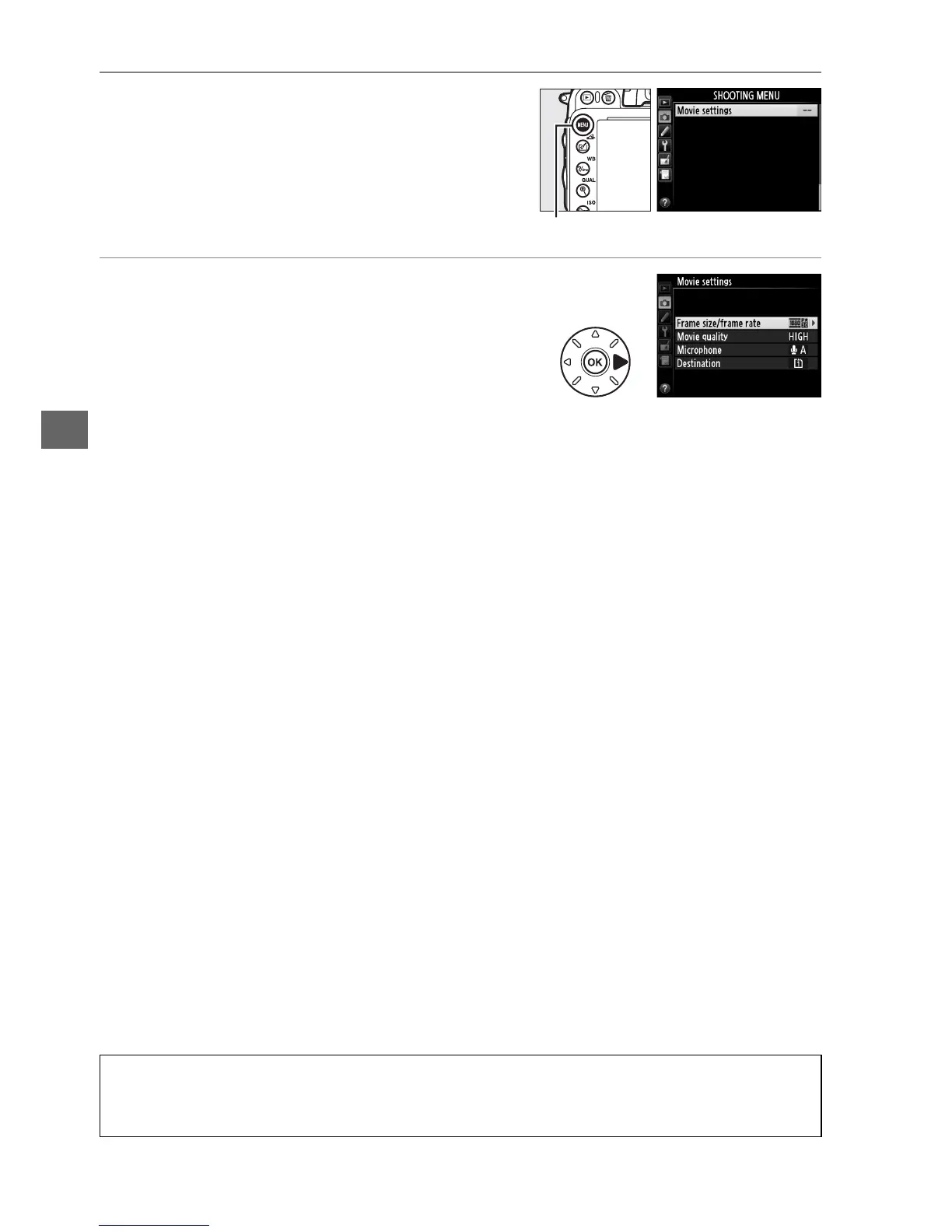
1 Select Movie settings.
Press the G button to display the menus.
Highlight Movie settings in the shooting
menu and press 2.
2 Choose movie options.
Highlight the desired item and press 2, then
highlight an option and press J.
D Frame Size and Rate
Frame size and rate affects the distribution and amount of noise (randomly-spaced bright
pixels, fog, or bright spots).
G button



 To Next Page