106
Taking Photographs—Self-Timer Mode
4
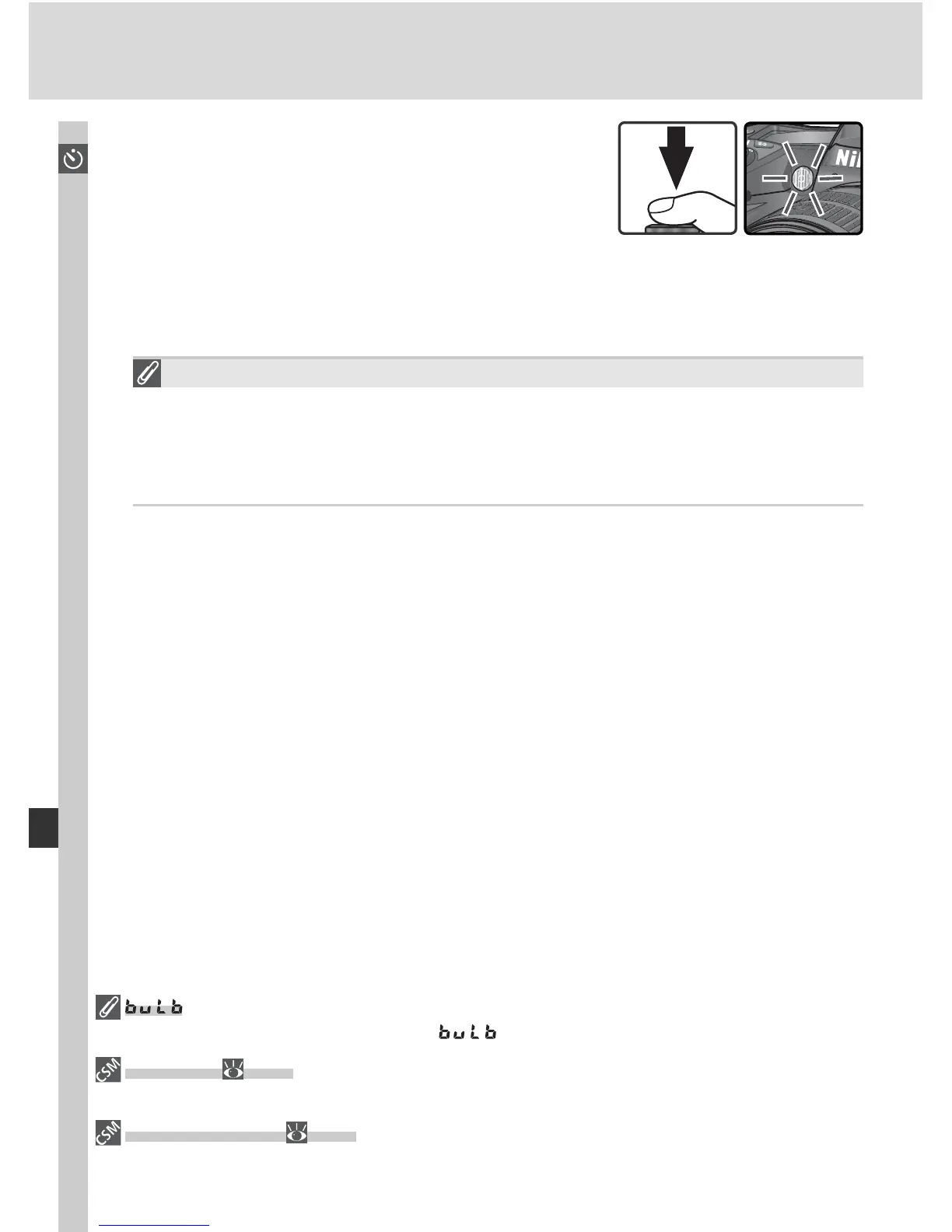
Press the shutter-release button all the way
down to start the self-timer. The self-tim er
lamp (AF-assist lamp) will start to blink and a
beep will begin to sound. Two seconds before
the photograph is taken, the self-timer lamp
will stop blinking and the beeping will become more rapid. After the
photograph is taken, the shooting mode in effect before the self-timer
was selected will be restored.
The Built-in Speedlight
In P, S, A, and M modes, the self-timer will be cancelled if the built-in
Speedlight is raised before the picture is taken. To start the timer after
raising the Speedlight, wait until the fl ash-ready indicator is displayed in
the viewfi nder and then press the shutter-release button.
To cancel the self-timer and restore the shooting mode in effect before self-
timer mode was selected, turn the camera off or rotate the mode dial to
another setting.
In self-timer mode, a shutter speed of is equivalent to approximately
1
/
5 s.
1—Beep ( 138)
This option controls the beep that sounds during the self-timer count-down.
24—Self-timer ( 153)
Self-timer delay can be set to 2 s, 5 s, 10 s (the default setting), or 20 s.



 To Next Page