11
Introduction—Getting to Know the Camera
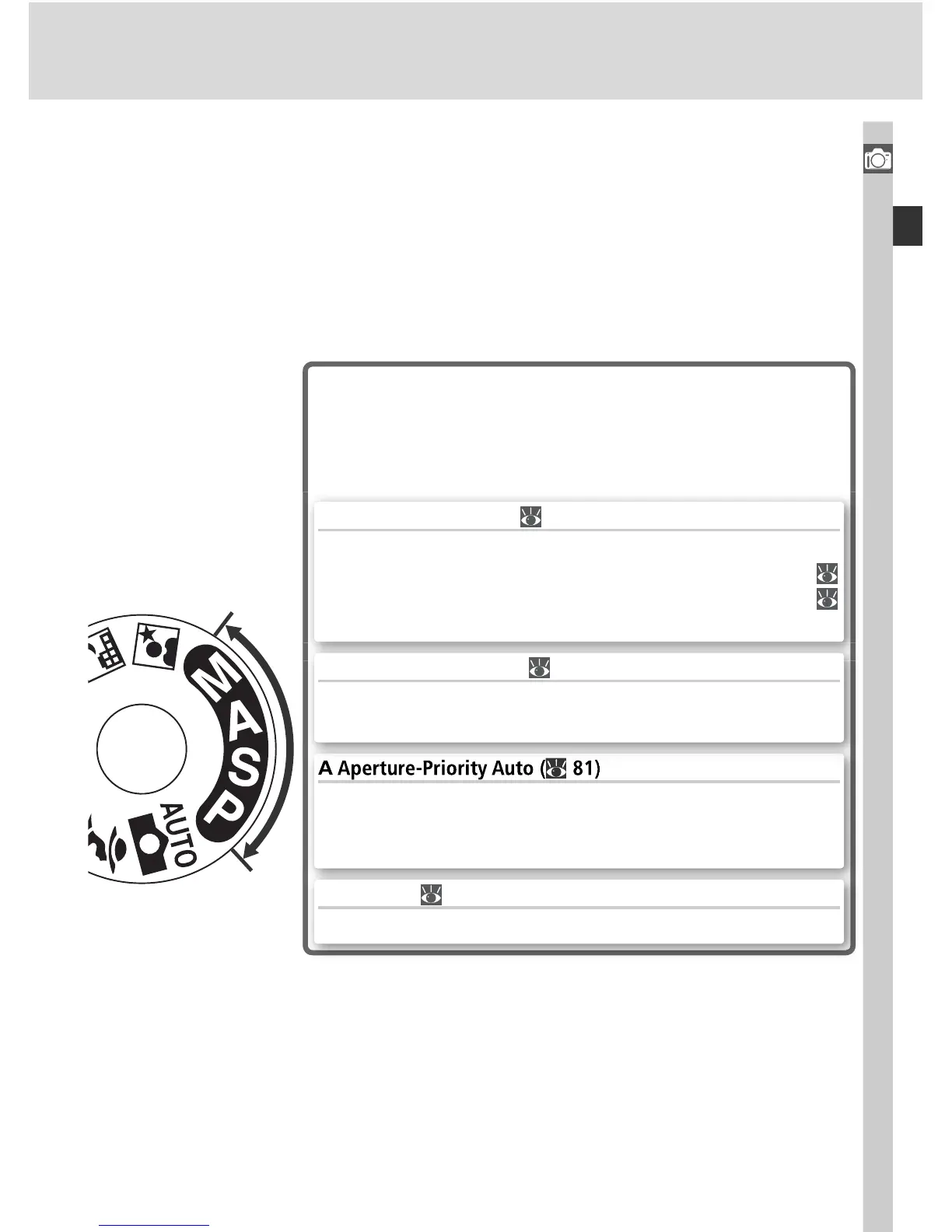
Exposure Modes
Select these modes for full control over camera set-
tings, including shutter speed and aperture, fl ash
mode, and camera menus.
P Auto Multi Program ( 77)
Let the camera optimize exposure to suit the subject. Use
fl exible program to control shutter speed and aperture (
77), or adjust exposure with exposure compensation (
86).
Adjust aperture to soften background details, or increase
depth of fi eld to bring both the main subject and the back-
ground into focus.
S Shutter-Priority Auto ( 79)
Choose fast shutter speeds to freeze action, slow shutter
speeds to suggest motion by blurring moving objects.
M Manual ( 82)
Match shutter speed and aperture to your creative intent.



 To Next Page