10
Introduction—Getting to Know the Camera
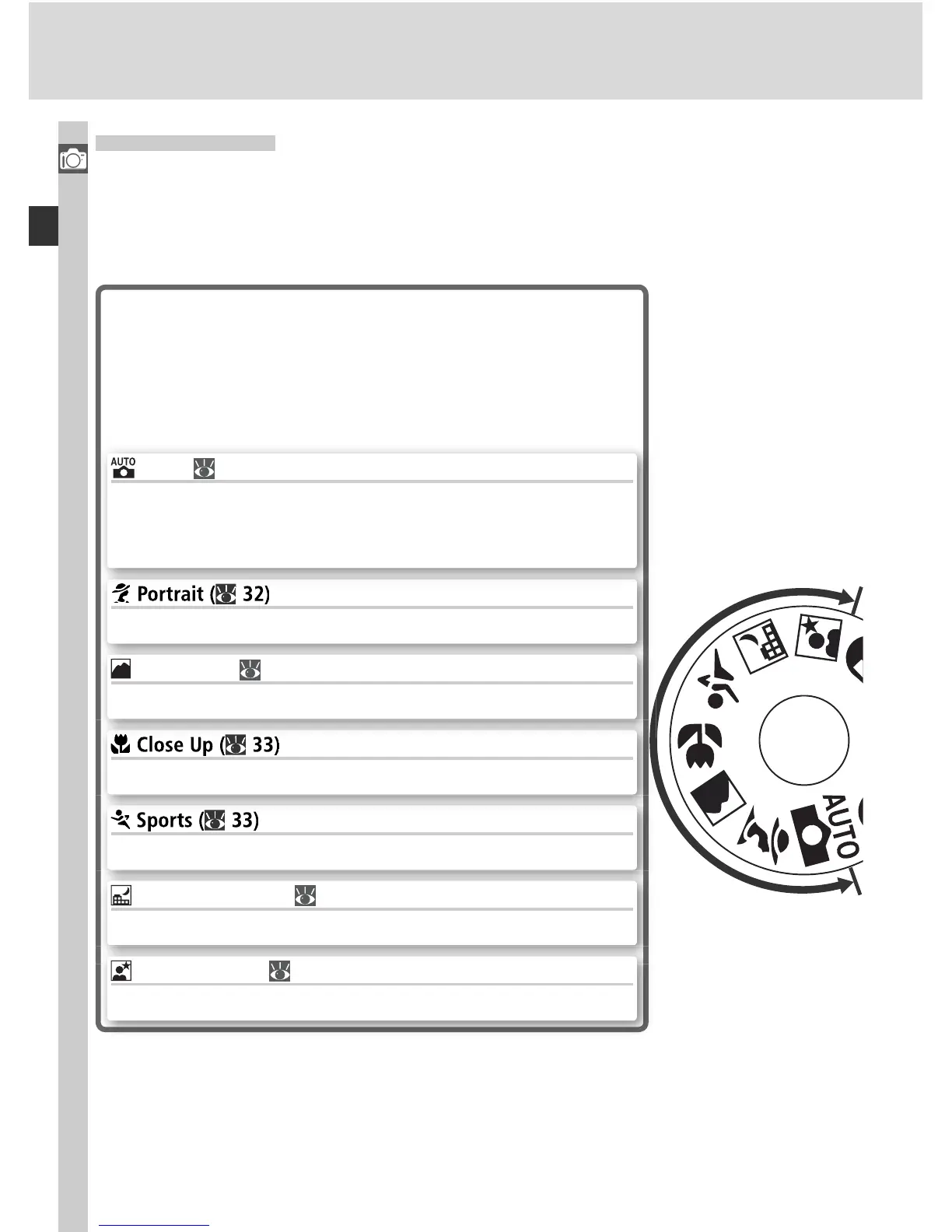
The Mode Dial
In addition to Digital Vari-Programs that allow settings to be adjusted to suit
a particular scene simply by rotating the mode dial to the appropriate mode,
the D70 is equipped with exposure modes that offer complete control over
settings.
Digital Vari-Programs
Selecting a Digital Vari-Program automatically op-
timizes settings to suit the selected scene, making
creative photography as simple as rotating the mode
dial.
Freeze motion in sports shots.
Take close-ups of fl owers, insects, or other small objects.
Shoot portraits with the background in soft focus.
Auto ( 32)
Use for “point-and-shoot” snapshots that leave the cam-
era in charge of settings. Recommended for fi rst-time
users of digital SLR cameras.
Night Landscape ( 33)
Use when taking landscape shots at night.
Night Portrait ( 34)
Shoot portraits against a dimly-lit backdrop.
Landscape ( 32)
Preserve details in landscape shots.



 To Next Page