36
Taking Photographs
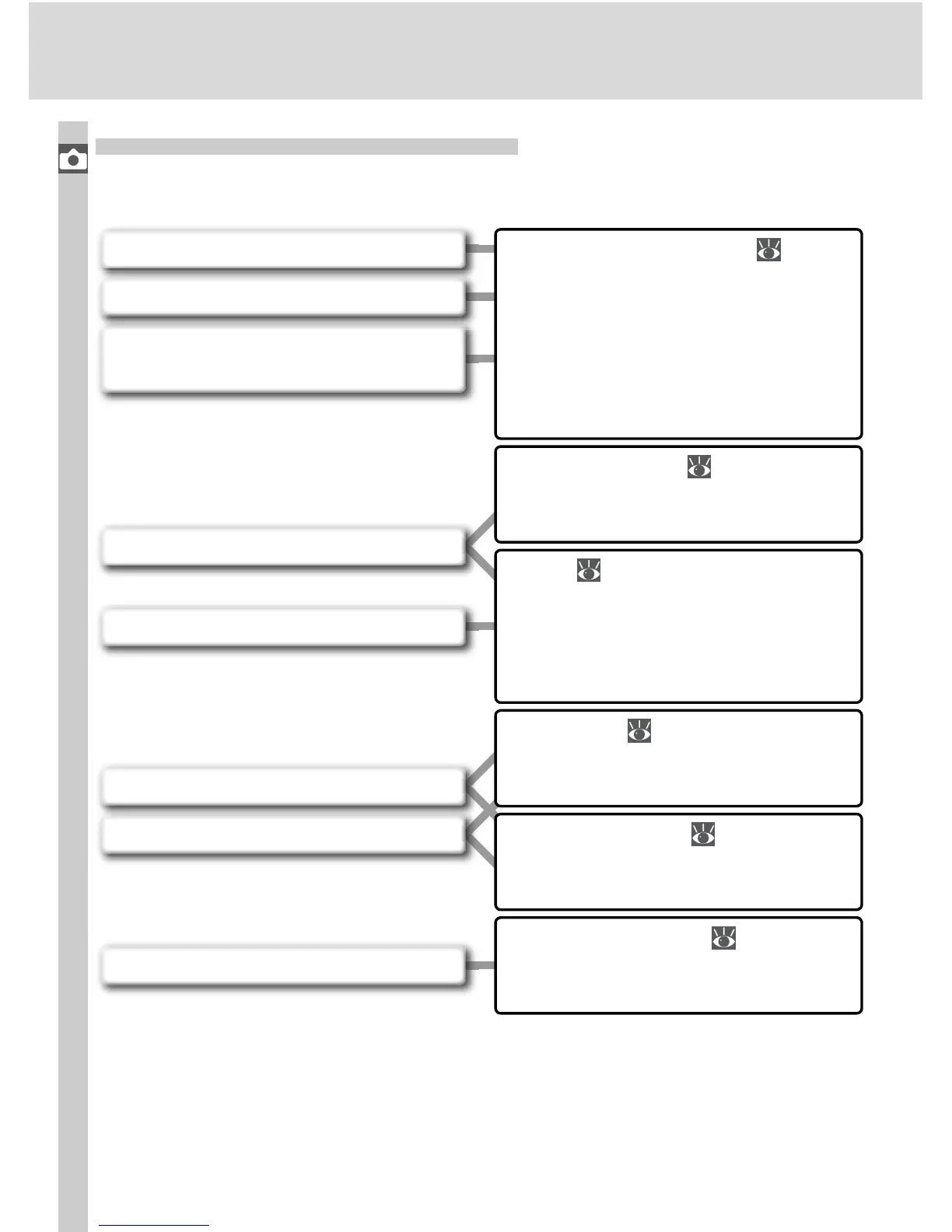
When to Use Shooting Options
The following fi gure illustrates when to use the shooting options described
in this chapter.
Image Quality and Size ( 41–45)
Choose high settings for quality
and size when taking photos that
will be enlarged, lower settings
when taking photos for electronic
distribution or to save space on the
memory card.
Shooting Mode ( 62–63)
Take photographs one at a time or
in a continuous burst.
Focus ( 64–74)
Give priority to accurate focus or
shutter response. Select how focus
area is chosen and whether to fo-
cus manually or automatically.
Self-Timer ( 105–106)
Delay shutter release until after the
shutter-release button is pressed.
Remote Control ( 107–110)
Use the optional remote control for
taking photos at a distance.
Two-Button Reset ( 111)
Reset shooting options to default
values.
Photos out of focus?
Photos “grainy” when enlarged?
Need to get more pictures on a
memory card?
Files too big for e-mail?
Shutter response too slow?
Want to shoot a self-portrait?
Photos blurred by camera shake?
Want to shoot at default settings?



 To Next Page