28
Tutorial—Basic Photography
Step 5—Focus
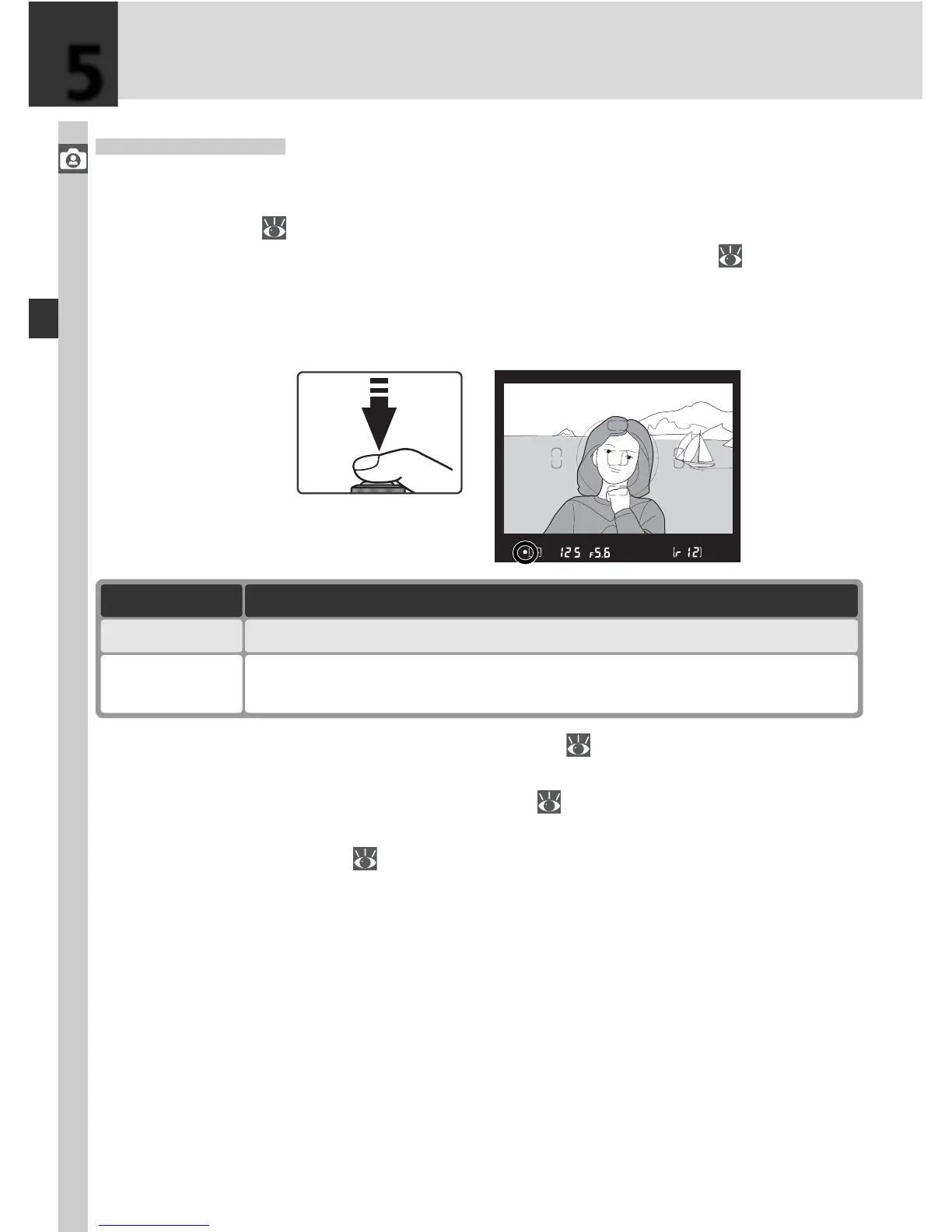
Press the shutter-release button halfway. The camera will automatically
select the focus area containing the subject closest to the camera (closest
subject priority; 140). Once the camera has focused on this subject, a
beep will sound, the selected focus area will be highlighted ( 8), and the
in-focus indicator (●) will appear in the viewfi nder (see table below). If the
subject moves out of the selected focus area before the camera has focused,
the camera will focus based on information from other focus areas.
If the subject is dark, the AF-assist illuminator (
72) will light automatically
to assist in the focus operation. To focus on a subject that does not fall in
any of the fi ve focus frames, use focus lock ( 70). For information on what
to do if the camera is unable to focus using autofocus, see “Getting Good
Results with Autofocus” ( 73).
Focus indicator Description
●
Subject in focus (beep will sound when camera has focused).
●
(fl ashes)
Camera unable to focus using autofocus.
5



 To Next Page