138
Menu Guide—Custom Settings
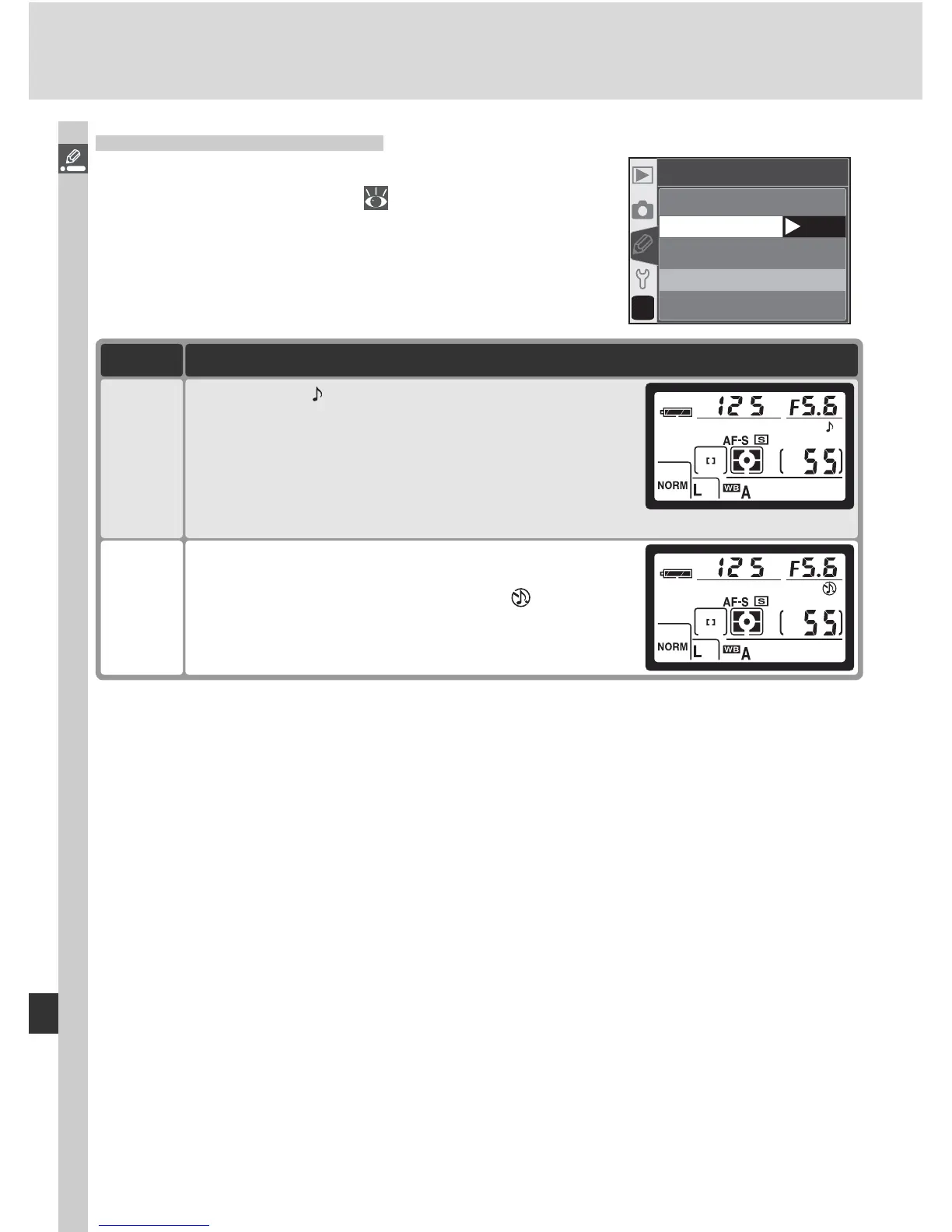
Custom Setting 1: Beep
To turn the camera speaker on or off, highlight
Beep in the CSM menu ( 135) and press the
multi selector to the right. Press the multi selector
up or down to highlight an option, then press to
the right to make a selection.
?
01
Beep
On
OK
Off
Option Description
On
(default)
Speaker on; displayed in control panel. Beep
sounds while release timer is running (self-timer
and delayed remote modes), when photo is taken
in quick-response remote mode, or when camera
has focused in single-servo AF (focus-mode selector
set to AF and AF-S selected for Custom Setting 2).
Off
Speaker off; beep does not sound. displayed in
control panel.



 To Next Page