147
Menu Guide—Custom Settings
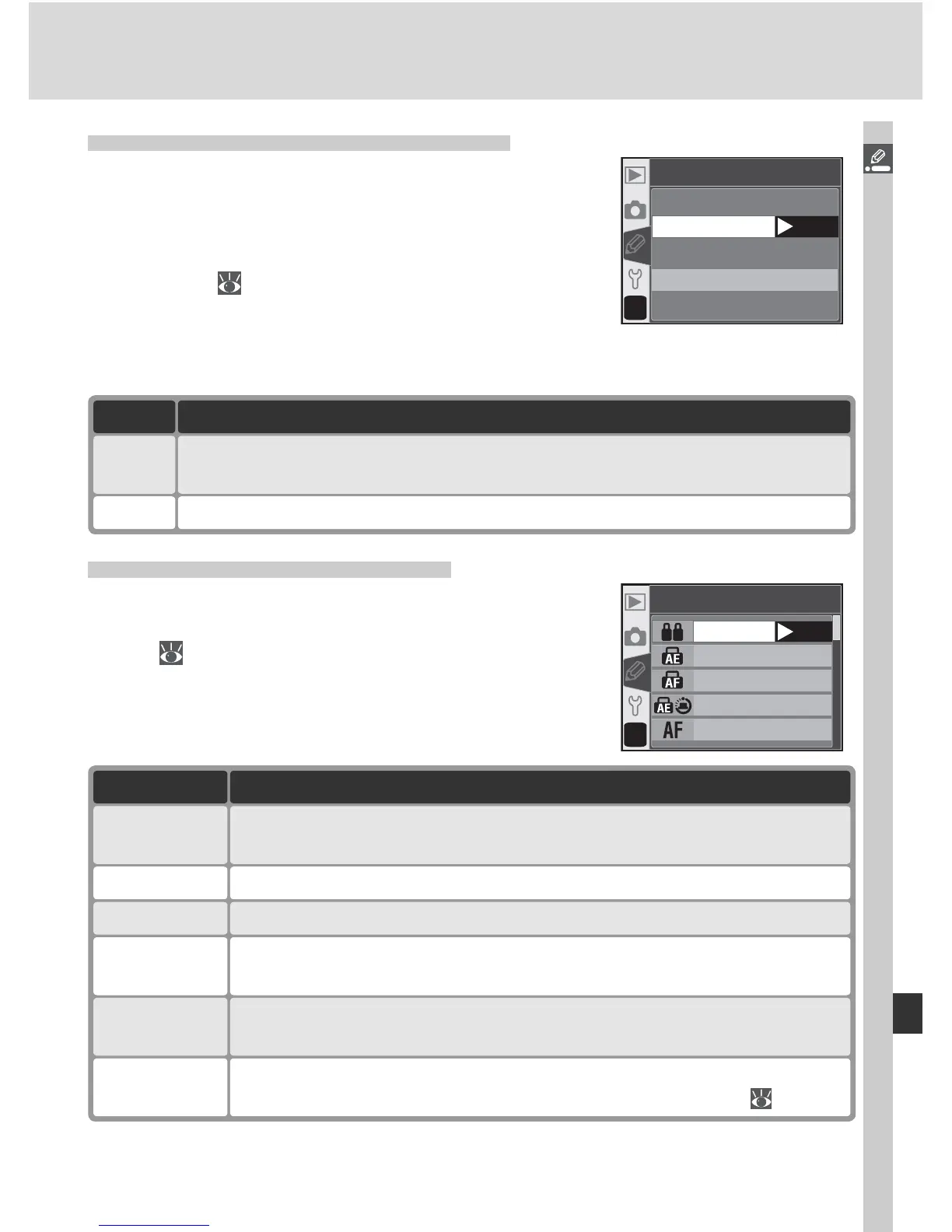
Custom Setting 14: Command Dial
This option can be used to exchange the func-
tions of the main and sub-command dials when
setting shutter speed and aperture in S, A, and M
modes. Highlight Command dial in the detailed
CSM menu (
135) and press the multi selector
to the right. Press the multi selector up or down
to highlight an option, then press to the right to
make a selection.
Option Description
Yes Main command dial controls aperture, sub-command dial shutter speed.
No
(default)
Main command dial controls shutter speed, sub-command dial aperture.
?
14
Command dial
No
OK
Ye s
Custom Setting 15: AE-L / AF-L
This option controls the behavior of the AE-L / AF-L
button. Highlight AE-L / AF-L in the detailed CSM
menu ( 135) and press the multi selector to the
right. Press the multi selector up or down to high-
light an option, then press to the right to make a
selection.
Option Description
FV Lock
Flash level locks when AE-L / AF-L button is pressed and remains locked
until button is pressed again or exposure meters turn off ( 103).
AE Lock
hold
Exposure locks when AE-L / AF-L button is pressed and remains locked
until button is pressed again or exposure meters turn off.
AF Lock only Focus locks while AE-L / AF-L button is pressed. Exposure is unaffected.
AE Lock only Exposure locks while AE-L / AF-L button is pressed. Focus is unaffected.
AE/AF Lock
(default)
Both focus and exposure lock while AE-L / AF-L button is pressed.
?
15
AE-L/AF-L
AE/AF Lock
AE Lock onl
y
AF Lock onl
y
AE Lock hold
AF-ON
OK
AF-ON
Camera focuses when AE-L / AF-L button is pressed. Camera does not
focus when shutter-release button is pressed halfway.



 To Next Page