149
Menu Guide—Custom Settings
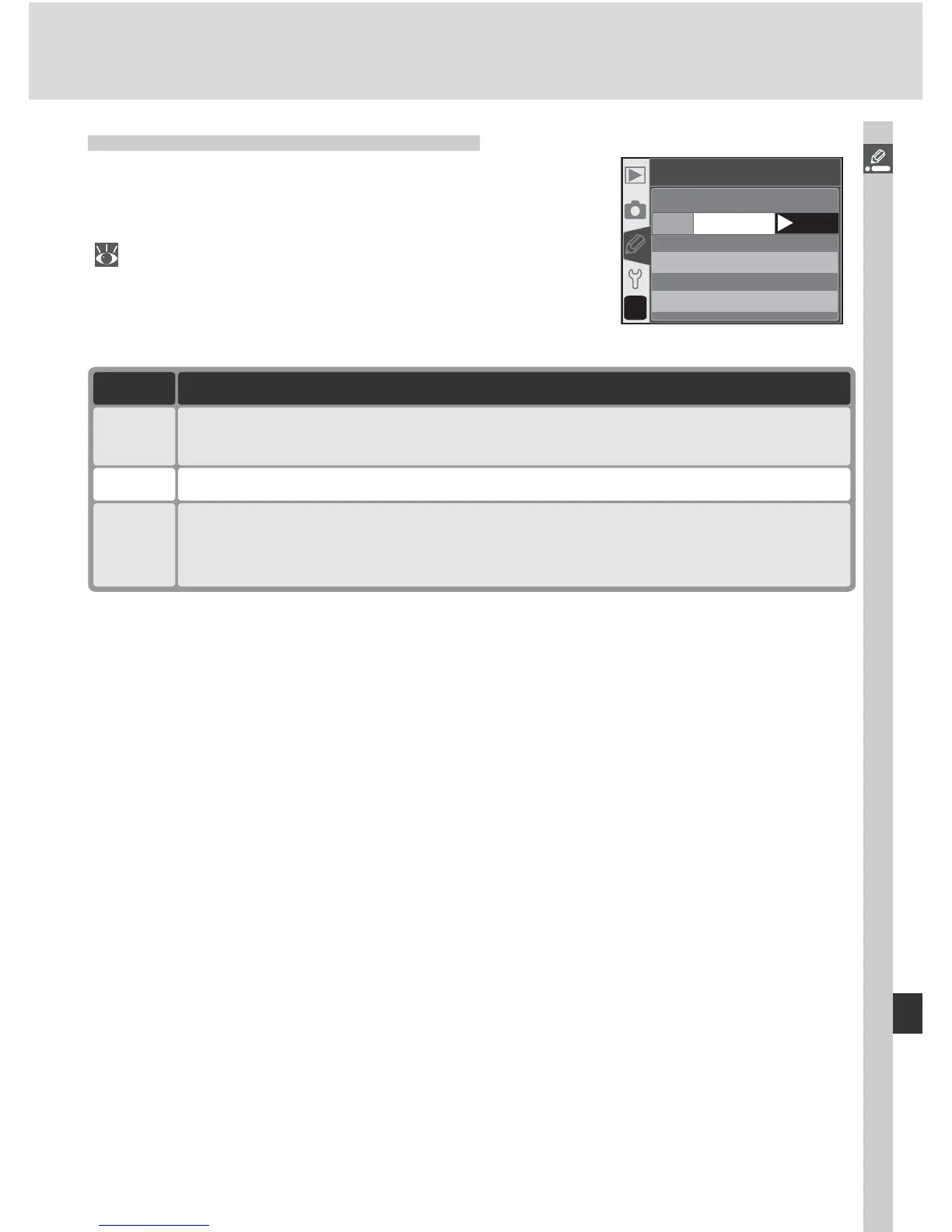
Custom Setting 18: AF Area Illm
This option controls whether or not the active
focus area is highlighted in red in the viewfi nder.
Highlight AF area illm in the detailed CSM menu
( 135) and press the multi selector to the right.
Press the multi selector up or down to highlight
an option, then press to the right to make a selec-
tion.
Option Description
Off Selected focus area is not highlighted.
Auto
(default)
Selected focus area is automatically highlighted as needed to provided
contrast with background.
A
?
18
AF area illm
Auto
OK
On
Off
On
Selected focus area is always highlighted, regardless of brightness of back-
ground. Depending on brightness of background, selected focus area may
be diffi cult to see.



 To Next Page