152
Menu Guide—Custom Settings
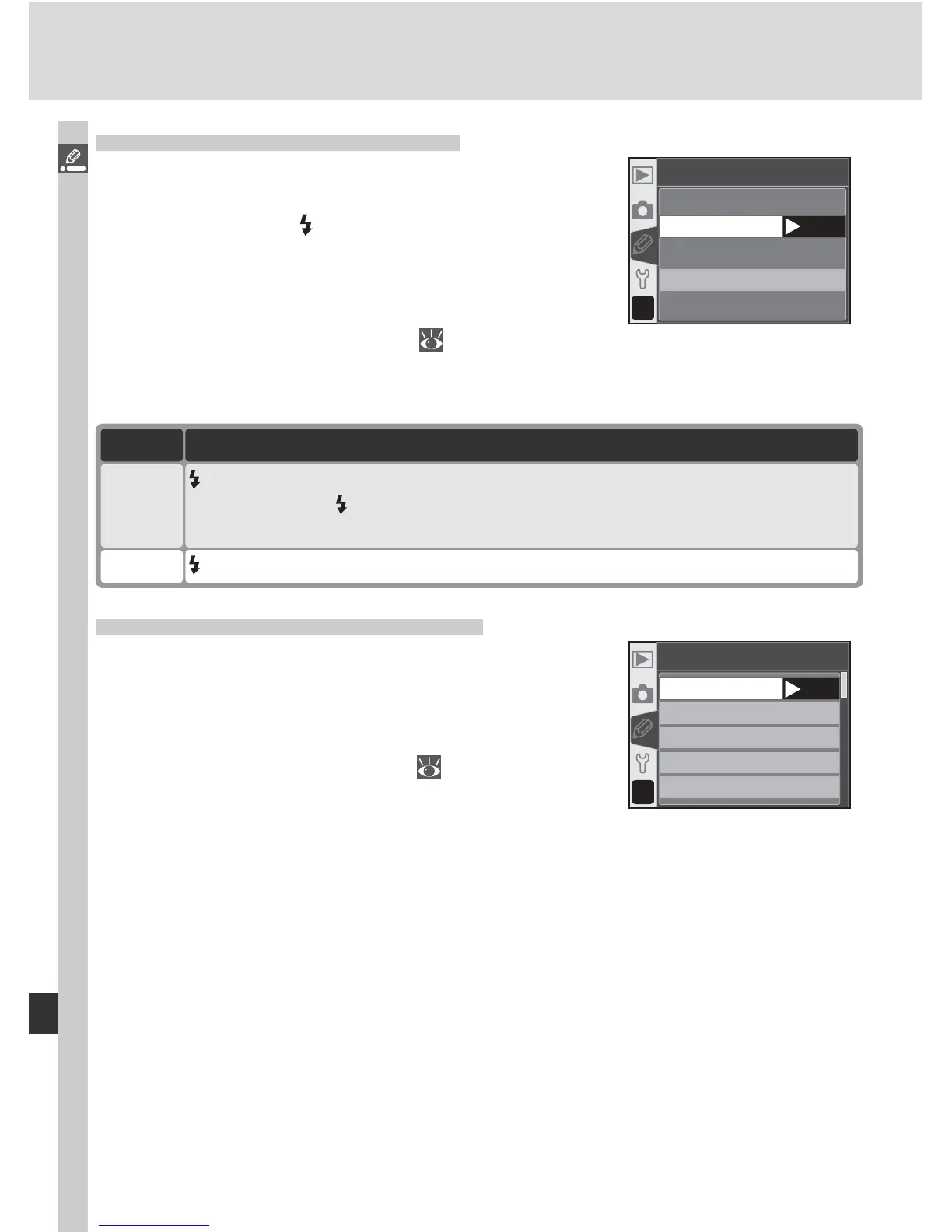
Custom Setting 20: Flash Sign
In P, S, A, and M modes, the built-in Speedlight
does not pop up automatically. This option deter-
mines whether the indicator in the viewfi nder
fl ickers to warn that the built-in Speedlight is
required for additional lighting when the shutter-
release button is pressed halfway. Highlight Flash
sign in the detailed CSM menu (
135) and press
the multi selector to the right. Press the multi selector up or down to high-
light an option, then press to the right to make a selection.
Option Description
Off indicator does not fl icker when built-in Speedlight is required.
On
(default)
indicator fl ickers to warn that built-in Speedlight is required (P, S, A, and
M modes only). indicator not displayed when built-in Speedlight is raised
or optional Speedlight is attached.
?
20
Flash sign
On
OK
Off
Custom Setting 21: Shutter Spd
This option determines the slowest shutter speed
possible when using a fl ash with the mode dial
set to P or A. Options range from
1
/
60 s (1/60, the
default setting) to 30 s (30"). Highlight Shutter
spd in the detailed CSM menu ( 135) and press
the multi selector to the right. Press the multi
selector up or down to highlight an option, then
press to the right to make a selection. Regardless of the setting chosen,
shutter speeds as slow as 30 s are always available when the fl ash sync mode
is set to slow sync.
?
21
Shutter spd
1/60
1/30
1/15
1/8
1/4
OK



 To Next Page