154
Menu Guide—Custom Settings
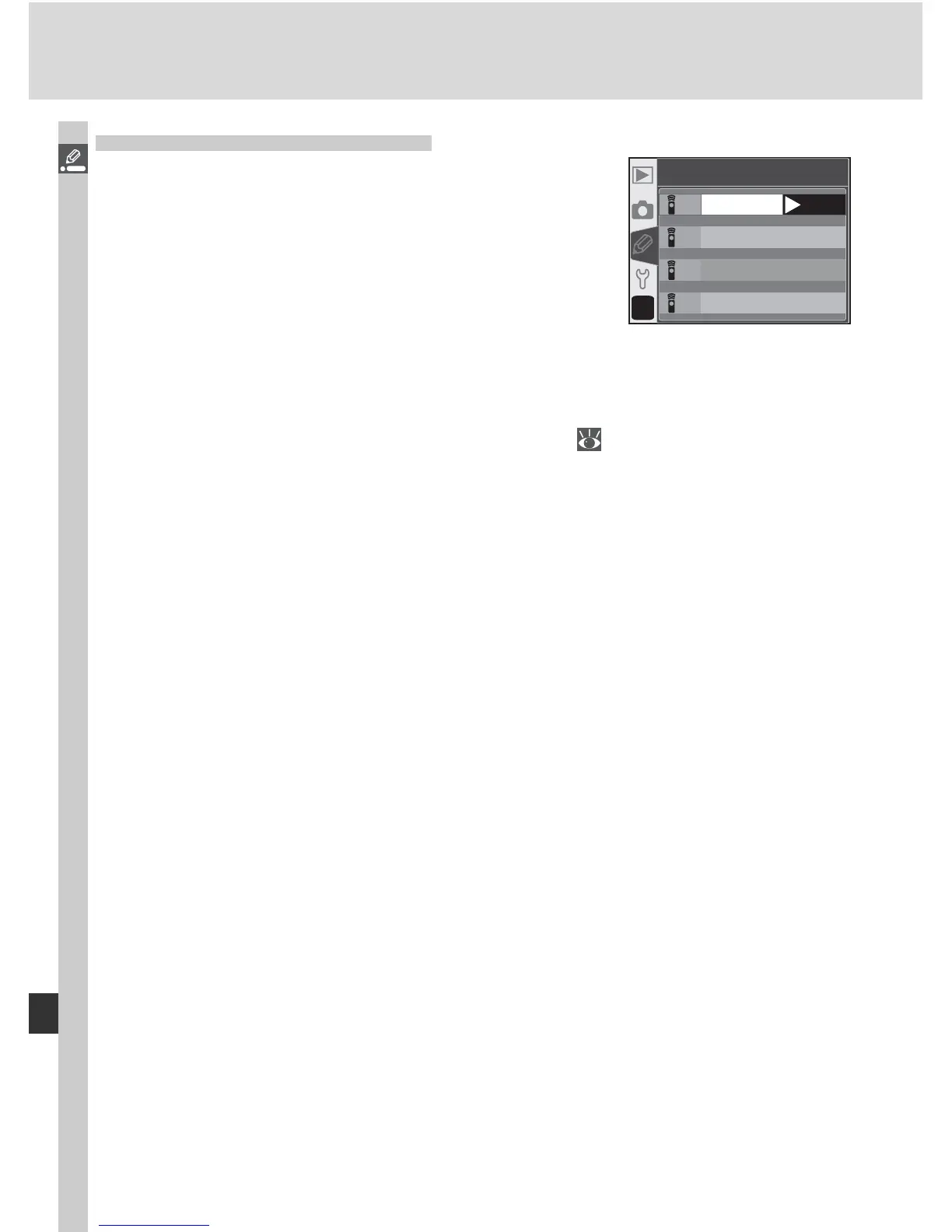
Custom Setting 25: Remote
This option controls how long the camera will
continue to wait for a signal from the remote
control when no operations are performed in
delayed remote or quick-response remote modes:
1 minute (the default option), 5 minutes, 10 min-
utes, or 15 minutes. If no signal is received in the
specifi ed period or the camera is turned off, the
camera will revert to single-frame or continuous
mode (whichever was last in effect).
Highlight Remote in the detailed CSM menu (
135) and press the multi
selector to the right. Press the multi selector up or down to highlight an op-
tion, then press to the right to make a selection.
1M
5M
10 M
15 M
?
25
Remote
1 min
15 min
5 min
10 min
OK



 To Next Page