86
d
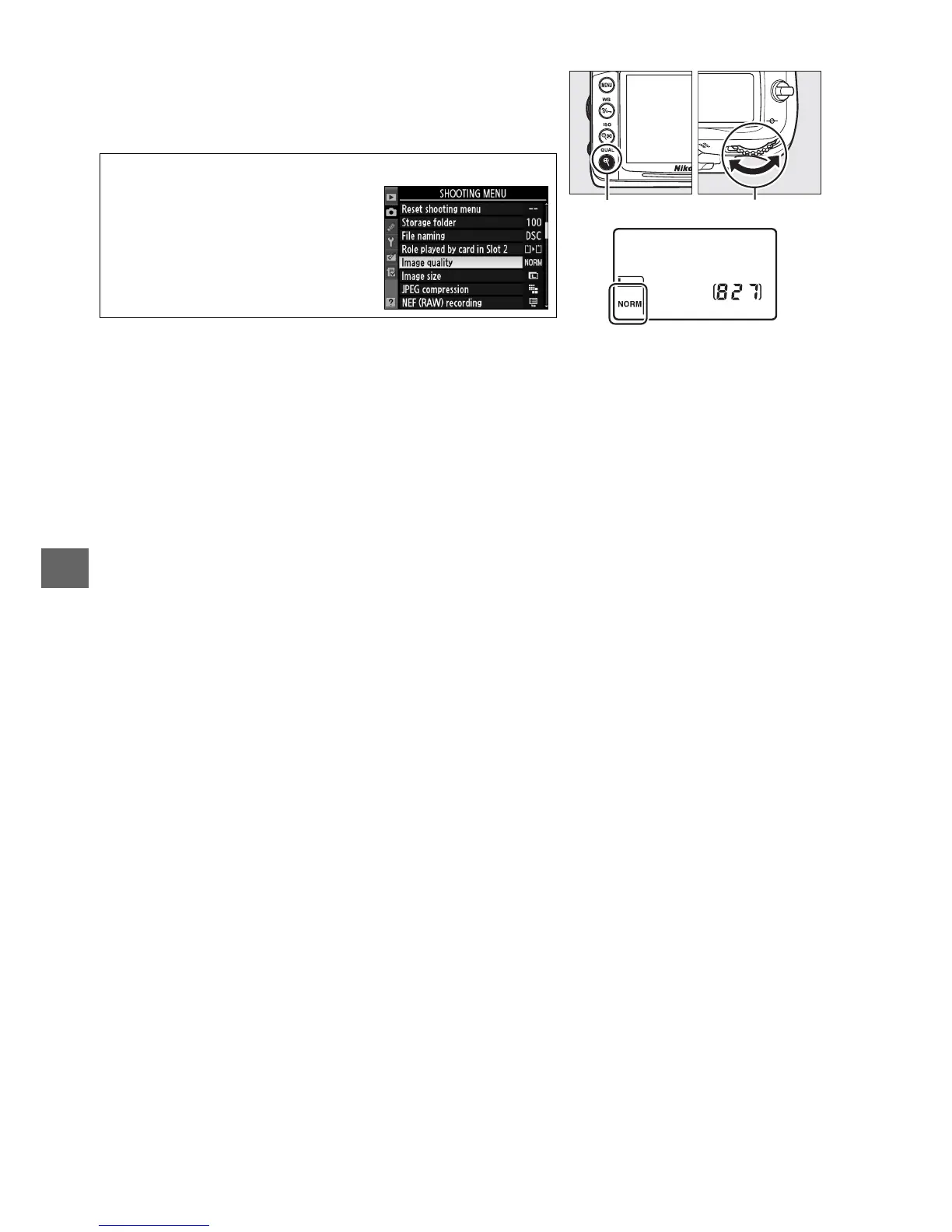
Image quality is set by pressing the QUAL button and
rotating the main command dial until the desired
setting is displayed in the control panel.
A The Shooting Menu
Image quality can also be
adjusted using the Image
quality option in the shooting
menu (0 202).
QUAL button Main command dia







 To Next Page