57
y
y
Recording and Viewing Movies
Movies can be recorded in live view mode.
If desired, choose a Picture Control
(0 131) and color space (0 141) before recording.
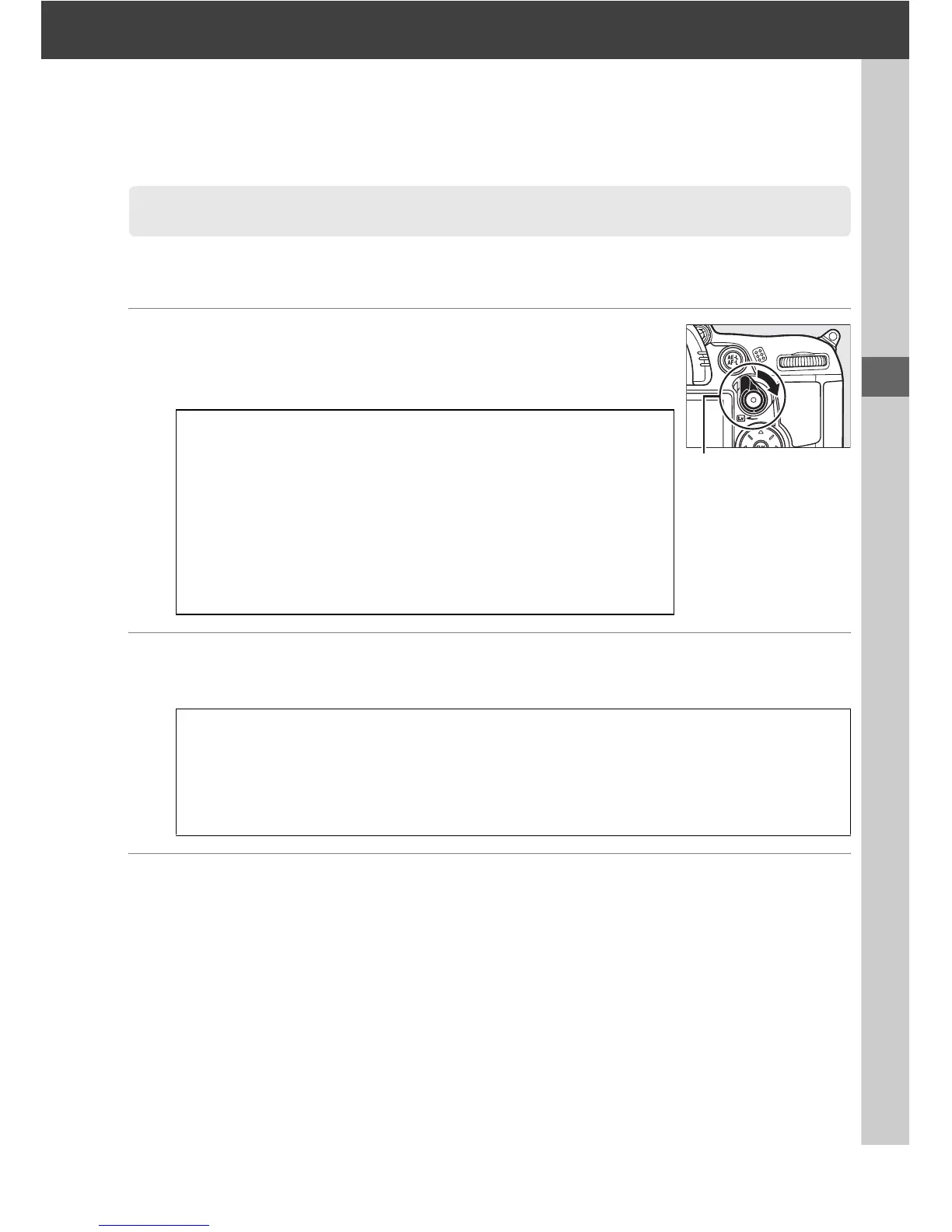
1 Rotate the live view switch.
The mirror is raised and the view through the lens is
displayed in the monitor instead of the viewfinder.
2 Choose a focus mode.
Choose a focus mode as described in Step 2 of “Live View“ (0 50).
3 Choose an AF-area mode.
See Step 3 on page 50 for more information.
Recording Movies
D The 0 Icon
A 0 icon (0 49) indicates that movies can not be recorded.
A Before Recording
Set aperture before recording in mode A or M.
Note that movies
may be over- or under-exposed at some aperture settings.
Before shooting, check the brightness of the scene in the
monitor; if the picture is too bright or too dark, end live view
and adjust aperture as necessary.
A Using an External Microphone
The built-in microphone may record lens noise during autofocus or vibration
reduction.
This can be prevented by using a commercially-available external
microphone with a stereo mini-pin jack (3.5 mm diameter).
External microphones can
also be used to record in stereo.
Live view switch






 To Next Page