195
M
U
Menu Guide
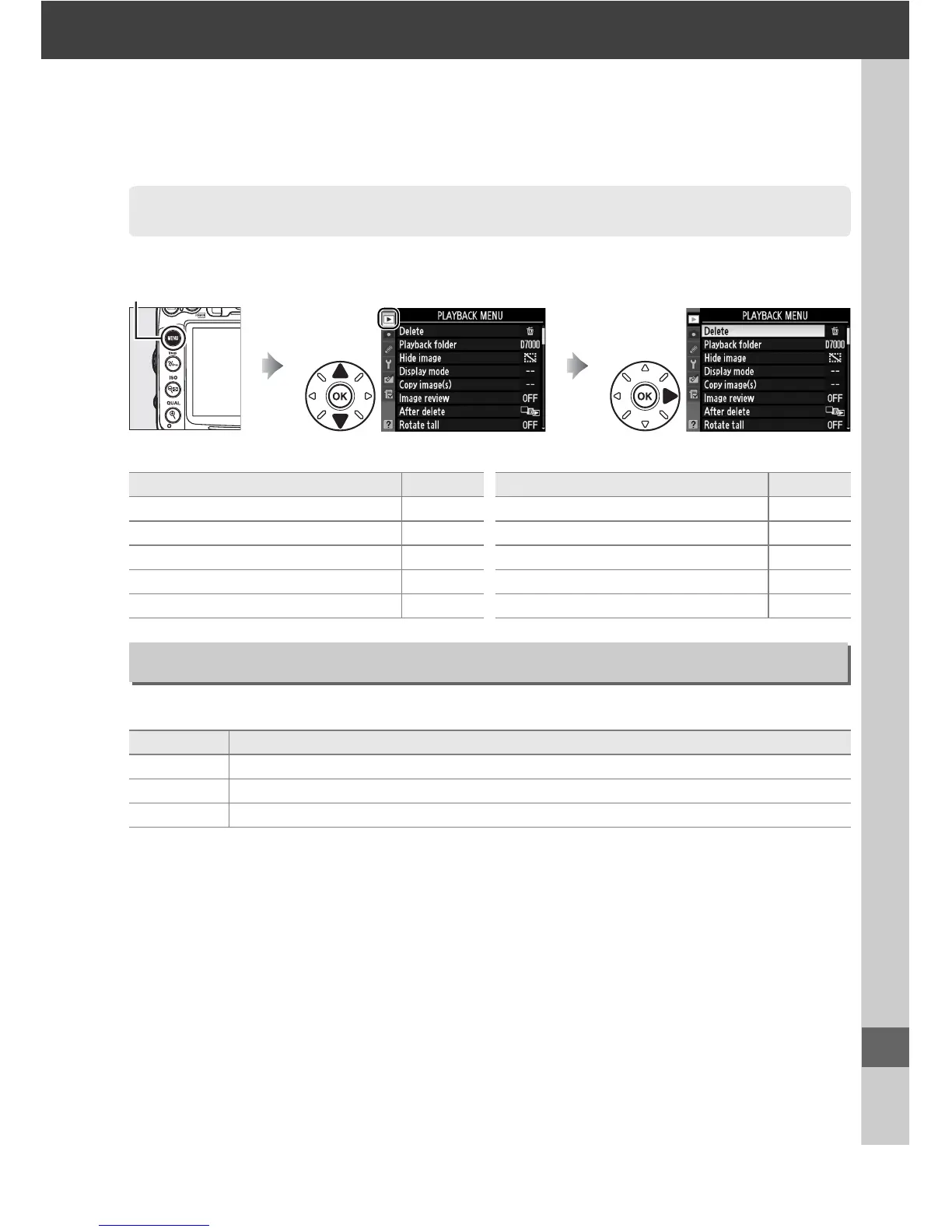
To display the playback menu, press G and select the D (playback menu) tab.
The playback menu contains the following options:
Choose a folder for playback (0 163):
D The Playback Menu: Managing Images
G button
Option 0
Delete 176
Playback folder 195
Hide image 196
Display mode 197
Copy image(s) 197
Image review 200
After delete 200
Rotate tall 200
Slide show 201
Print set (DPOF) 189
Option 0
Playback Folder
G button ➜ D playback menu
Option Description
D7000 Pictures in all folders created with the D7000 will be visible during playback.
All Pictures in all folders will be visible during playback.
Current Only pictures in the current folder will be visible during playback.






 To Next Page