78
k
Continuous Mode (CH/CL)
To take pictures in CH (continuous high speed) and CL (continuous low speed) modes:
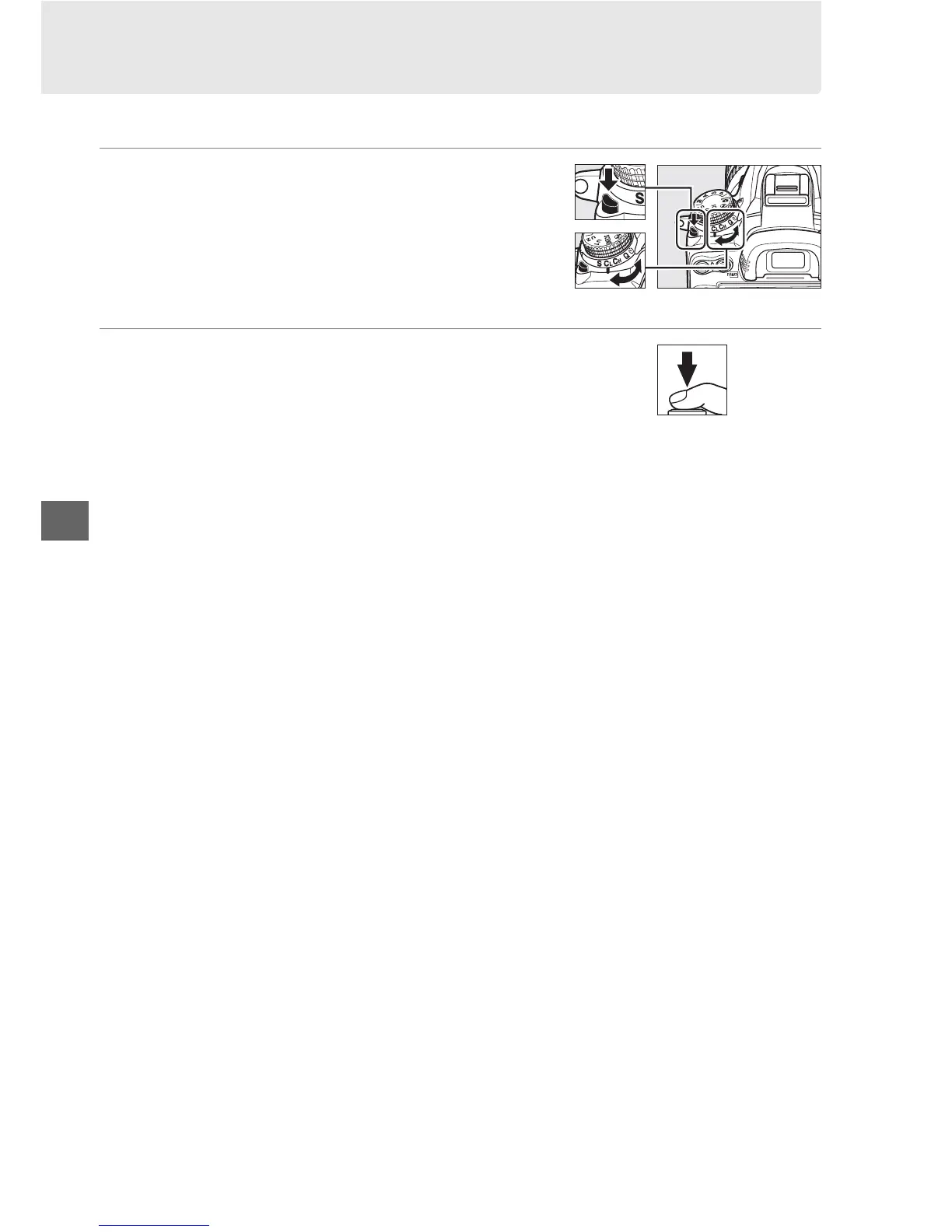
1 Select CH or CL mode.
Press the release mode dial lock release and turn
the release mode dial to C
H or CL.
2 Frame a photograph, focus, and shoot.
While the shutter-release button is pressed all
the way down, pictures will be taken at about
6 fps in continuous high speed mode, or at the
frame rate selected for Custom Setting d6 (CL mode shooting speed, 0 217) in
continuous low speed mode.
Frame rates may slow when the battery is low or
vibration reduction or auto ISO sensitivity control (0 103) is on.
Release mode dial







 To Next Page