63
y
Editing Movies
Trim footage to create edited copies of movies or save selected frames as JPEG stills.
Trimming Movies
To create trimmed copies of movies:
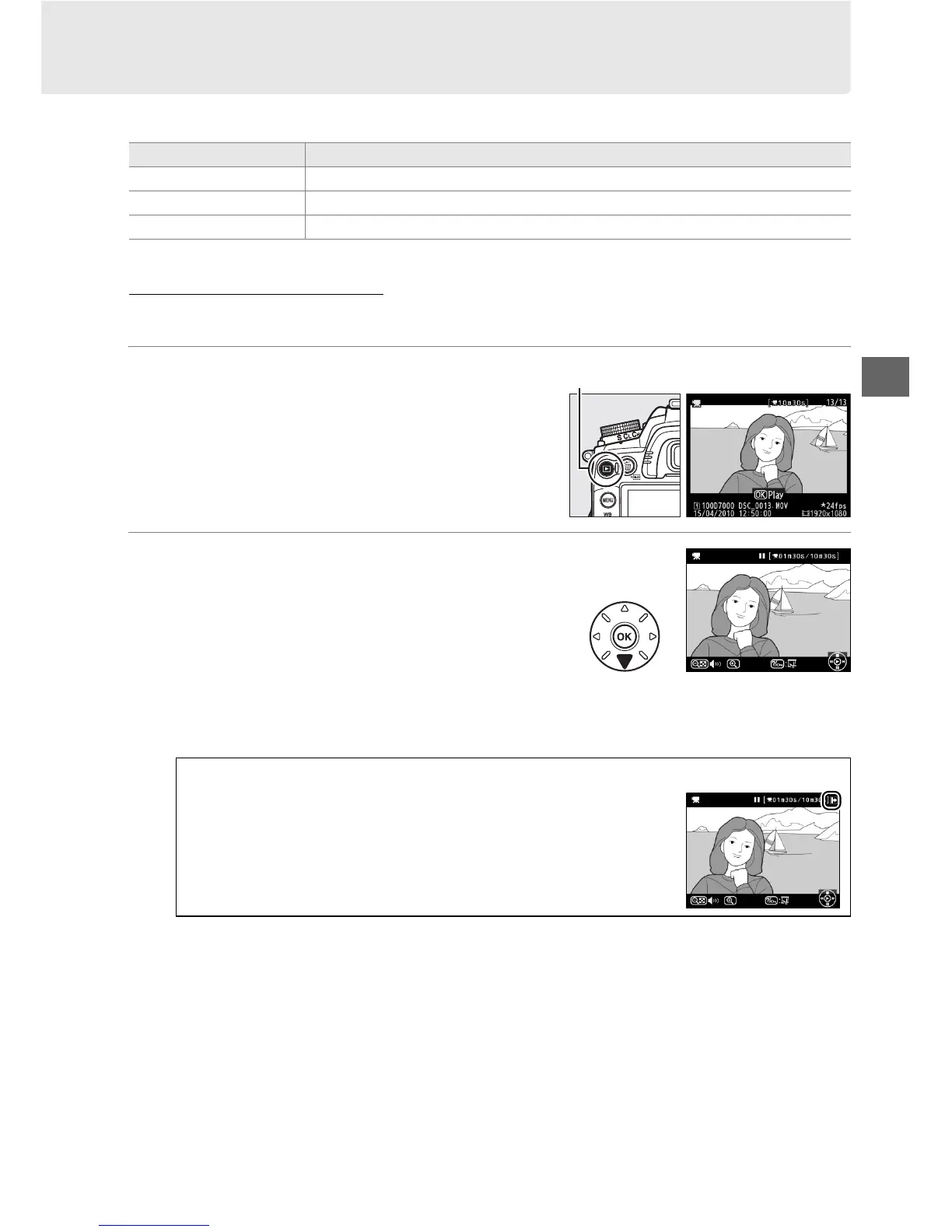
1 Display a movie full frame.
Press the K button to display pictures full
frame in the monitor and press 4 and 2 to
scroll through pictures until the movie you
wish to edit is displayed.
2 Choose a starting or end point.
Play the movie back as described on page
62, pressing J to start and resume playback
and 3 to pause.
If you intend to trim the
opening footage from the copy, pause on
the first frame you wish to keep; if you will be
editing out the ending footage pause on the
last frame you wish to keep.
Option Description
Choose start point Create a copy from which the opening footage has been removed.
Choose end point Create a copy from which the ending footage has been removed.
Save selected frame Save a selected frame as a JPEG still.
A Starting and Ending Frames
The first frame is shown by a h, the final frame by
a i icon.
K button







 To Next Page