245
U
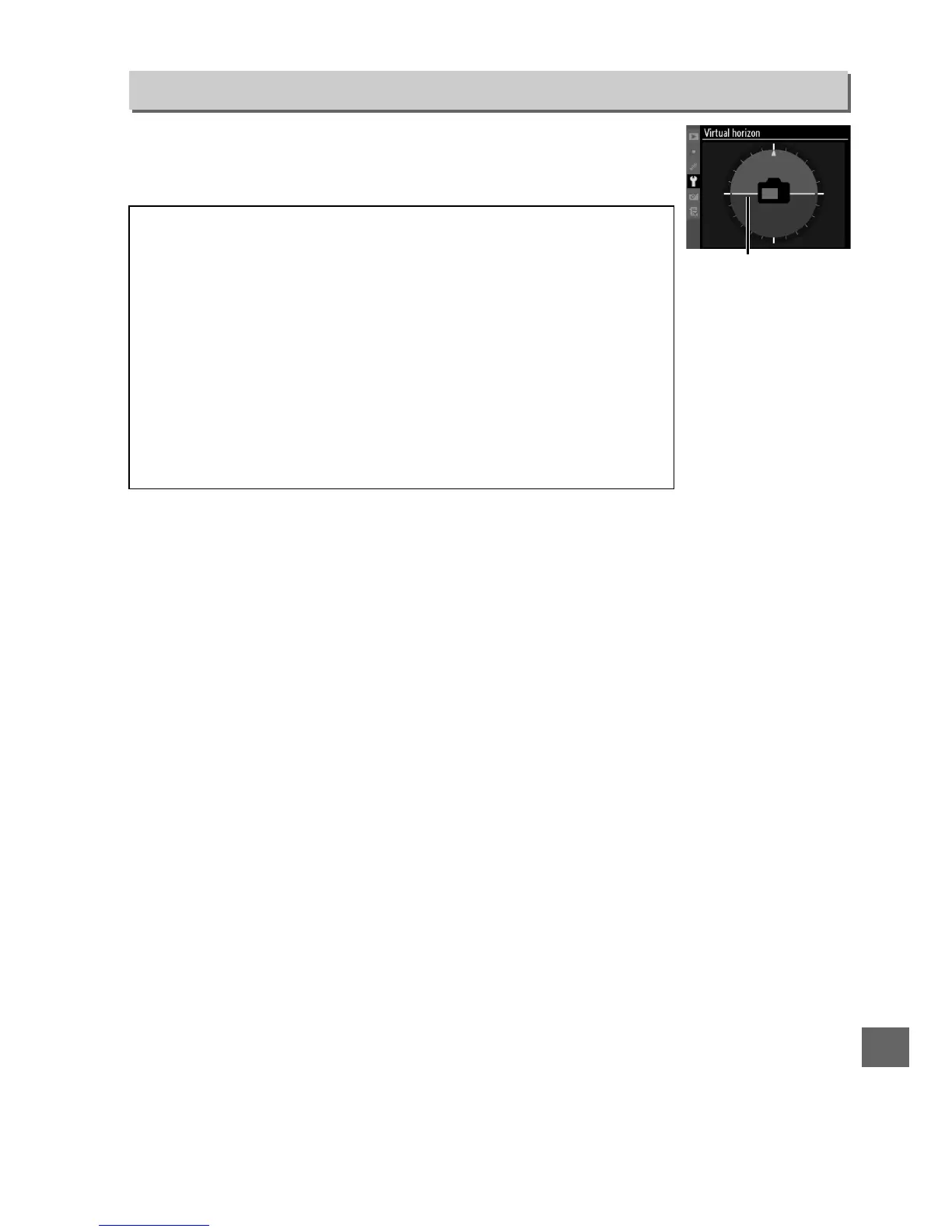
Display a virtual horizon based on information from the camera
tilt sensor.
The reference line is displayed in green when the
camera is level.
Virtual Horizon
G button ➜ B Setup menu
D Tilting the Camera
The virtual horizon display is not accurate when the camera is tilted
at a sharp angle forward or back. If the camera is unable to measure
tilt, the amount of tilt will not be displayed.
A Viewfinder Virtual Horizon
If Viewfinder virtual horizon is assigned to the Fn or depth-of-field
preview button using Custom Setting f3 (Assign Fn button) or f4
(Assign preview button), a tilt meter can be displayed in the
viewfinder by pressing the selected button (0 231).
A See Also
A virtual horizon can also be displayed during live view (0 53).
Reference line







 To Next Page