29
4
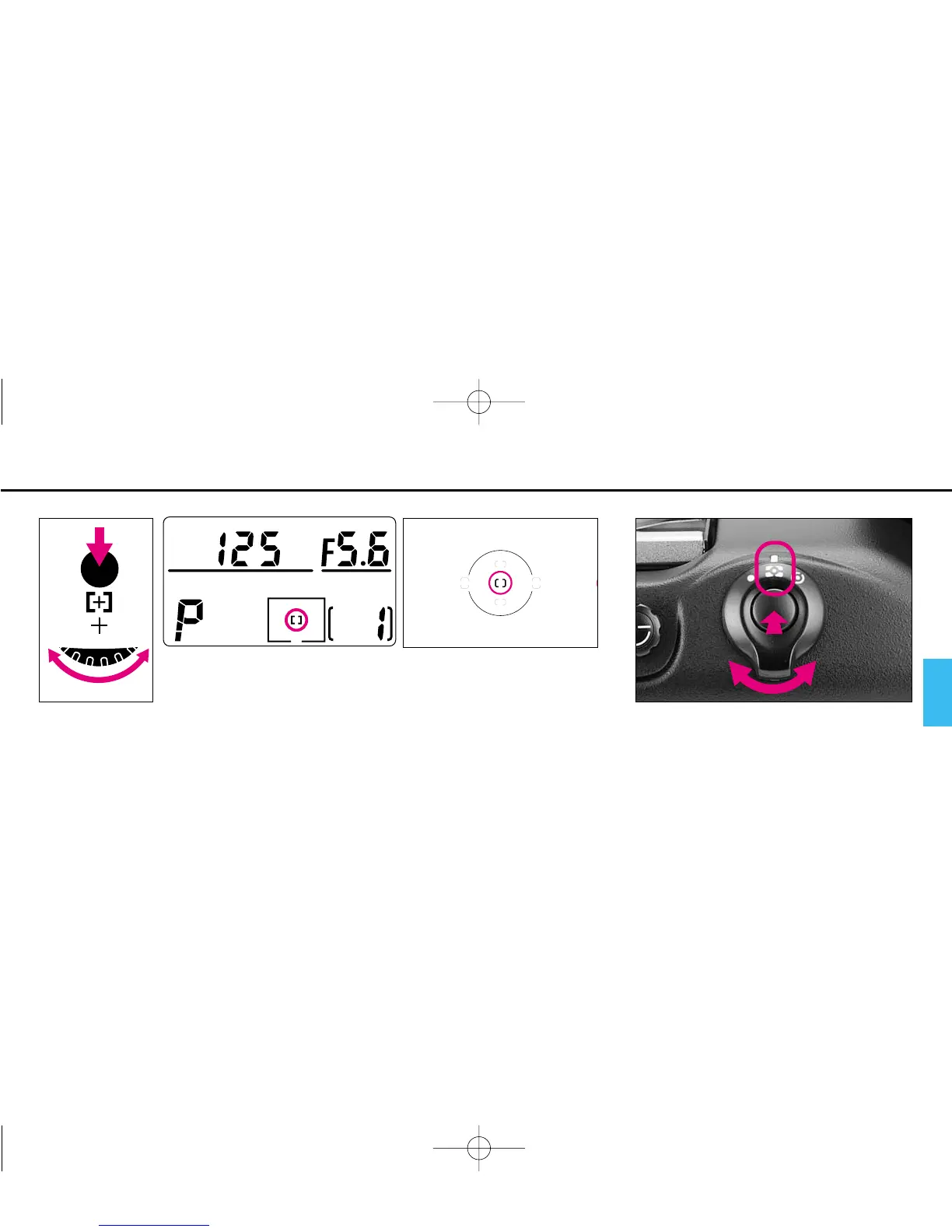
Select Single Area AF mode by rotating the Main-Command Dial while pressing
the AF area mode (˝) button.
• The selected focus area of the top LCD displays only g.
• Focus bracket also appears in the viewfinder.
5
While pressing lock release, set the
metering system selector to q for
3D Color Matrix Metering.
P400 (E) 02.12.27 6:42 PM Page 29



 To Next Page