30
7
Compose picture.
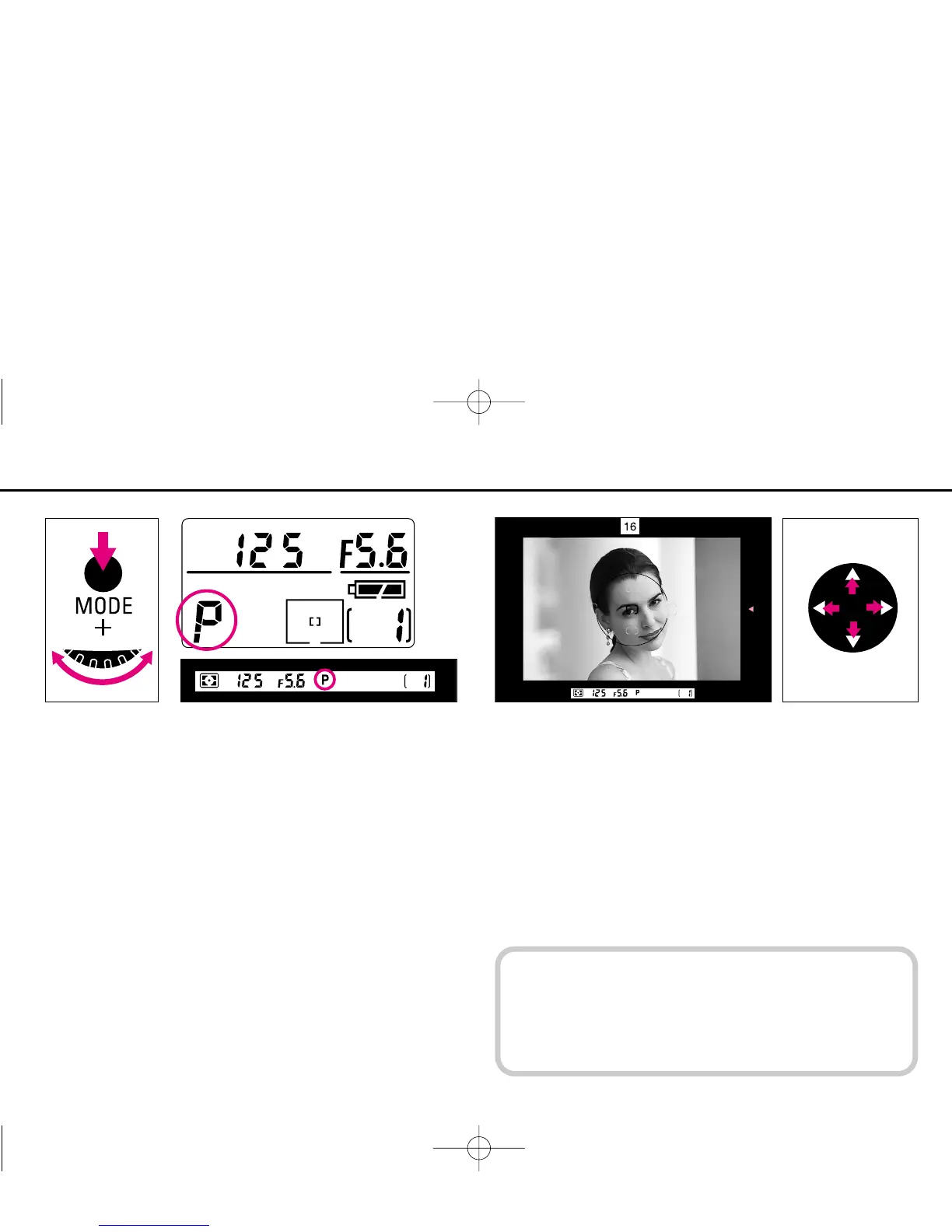
Position the focus brackets on your main subject by pressing
the focus area selector.
• You can change the focus brackets position as long as the
exposure meter is on.
When the exposure meter is off, lightly press the shutter
release button before selecting the focus area.
Slide film images may be partially cropped by the mount.
Also, the edges of negative film are partially cropped by
most labs.
6
Select Programmed Auto exposure mode by rotating the
Main-Command Dial while pressing the exposure mode
(MODE) button so ¡ appears in the top LCD panel and P in the
viewfinder.
P400 (E) 02.12.27 6:42 PM Page 30



 To Next Page