31
8
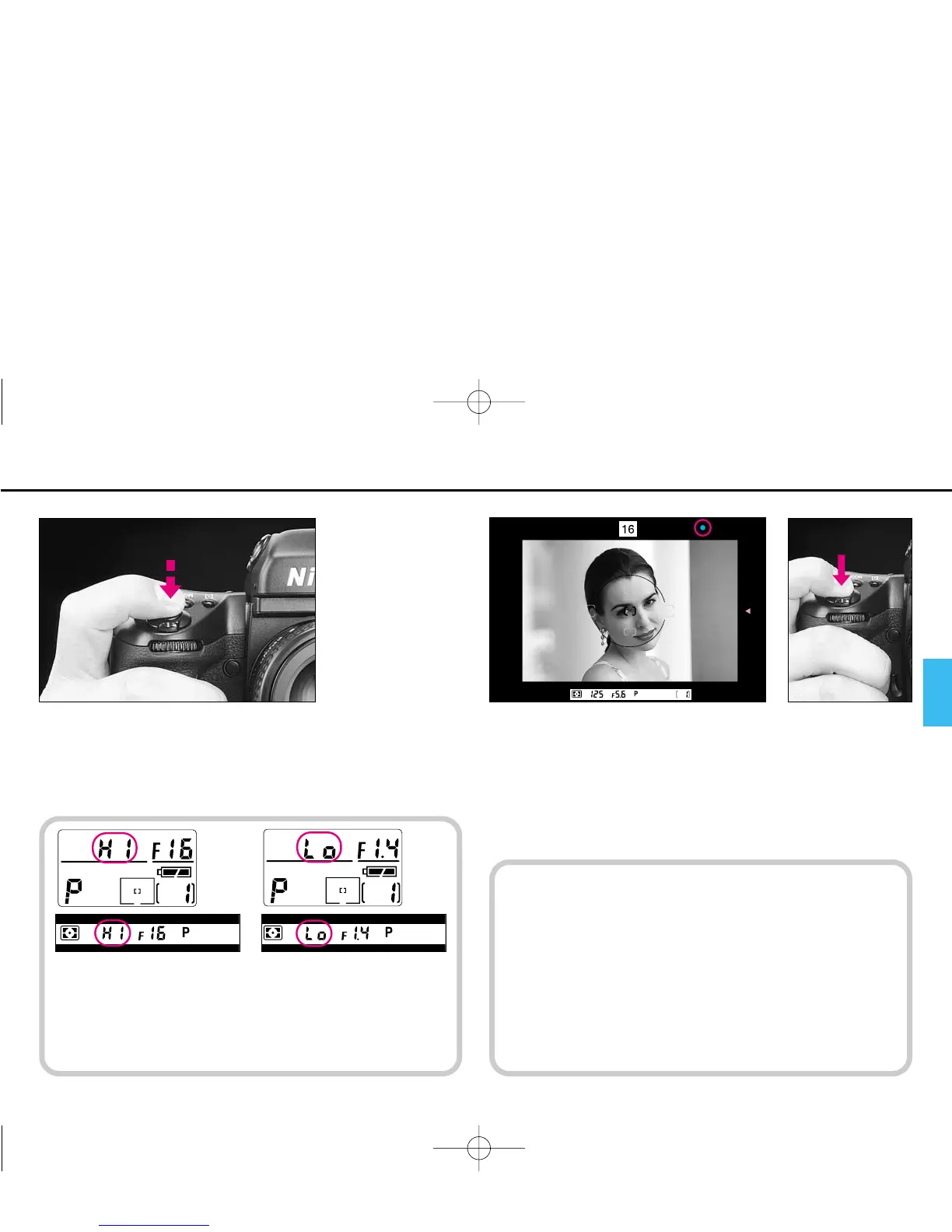
Lightly press the shutter release button.
9
Confirm / appears inside the viewfinder and fully depress
the shutter release button to take the picture.
The camera automatically advances the film by one frame, and
LCD frame counter increases by one.
Shutter cannot be released when:
? blinks: Focus manually. See page 146.
> appears: Subject is too close. Move away from your
subject. See page 43.
If HI appears in the shut-
ter speed position—Over-
exposure alert: Use Nikon
ND filter.
If Lo appears in the shut-
ter speed position—
Under-exposure alert:
Use accessory Nikon
Speedlight.
P400 (E) 02.12.27 6:42 PM Page 31



 To Next Page