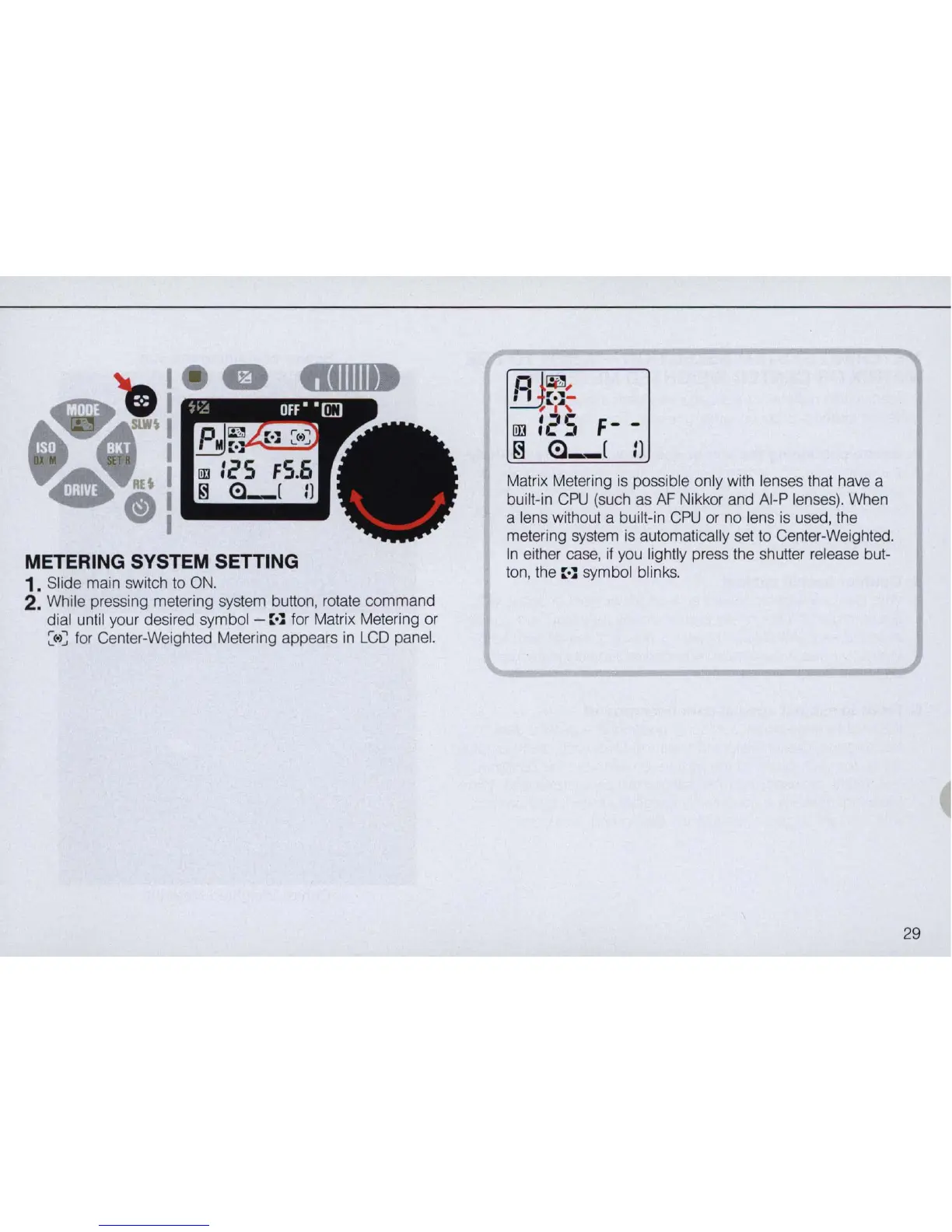
METERING SYSTEM SETTING
1. Slide main switch to
ON.
2. While pressing metering system button, rotate command
dial until your desired symbol -
::
•
.l
for Matrix Metering
or
:(
.
)~
for
Center-Weighted Metering appears in
LCD
panel.
Matrix Metering
is
possible only with lenses that have a
built-in
CPU
(such
as
AF
Nikkor and AI-P lenses). When
a lens without a built-in
CPU
or no lens
is
used, the
metering system
is
automatically set to Center-Weighted.
In
either case,
if
you lightly press the shutter release but-
ton, the
::
•
.l
symbol blinks.
29



 To Next Page