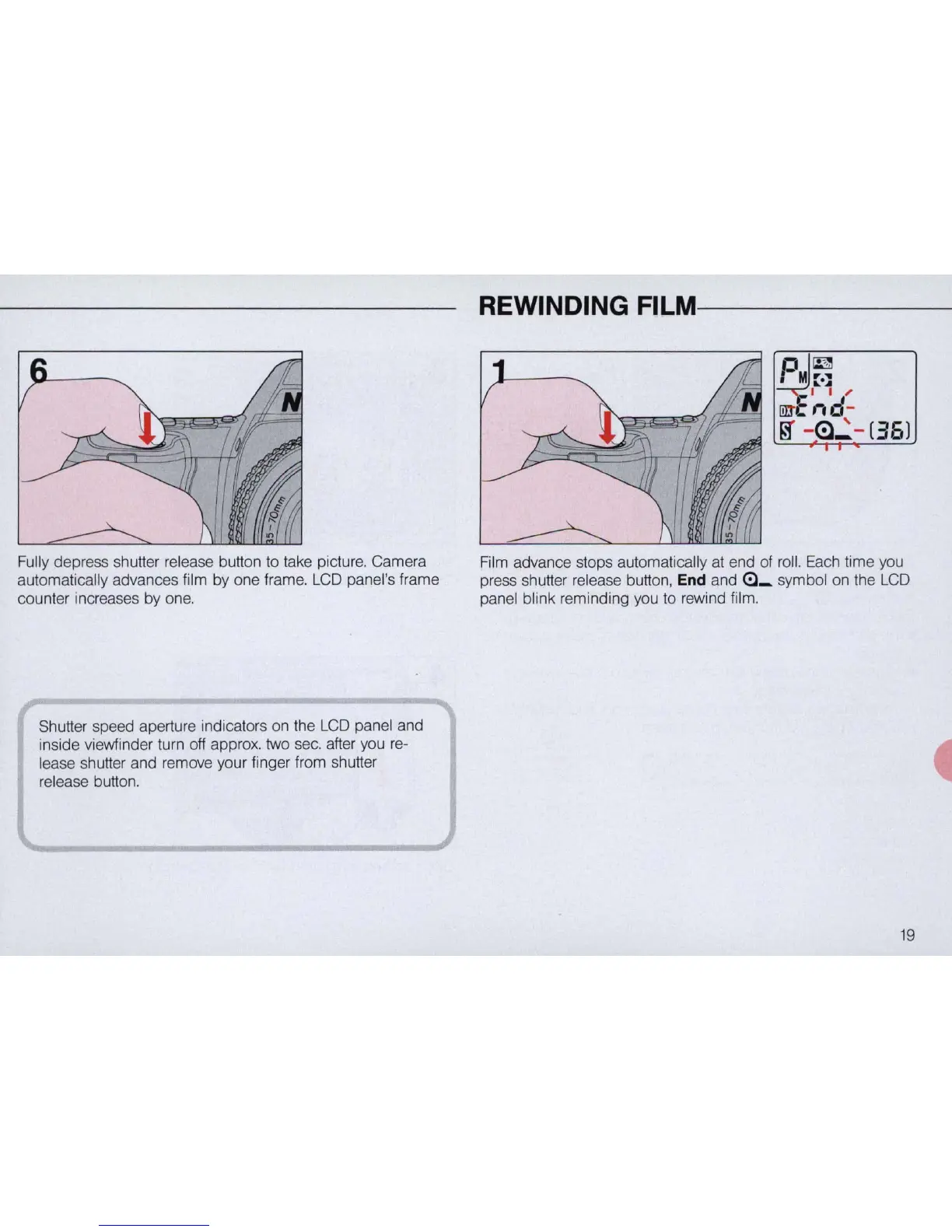
Fully depress shutter release button to take picture. Camera
automatically advances film by one frame.
LCD
panel's frame
counter increases by one.
Shutter speed aperture indicators on the
LCD
panel and
inside viewfinder turn off approx. two
sec.
after you re-
lease shutter and remove your finger from shutter
release button.
REWINDING
FILM-------
~
~
Mr·::
I I
I'
Ill!
"d
-
~
-
~
.:
-
(36)
Film advance stops automatically
at
end of roll. Each time you
press shutter release button, End and
<:::1_
symbol on the
LCD
panel blink reminding you to rewind film.
19



 To Next Page